

Application Description
Manage and control your KEBA wallbox through the KEBA eMobility App.
The KEBA eMobility App delivers digital services for KeContact P30 & P40 owners (including P40, P30 x-series, company car wallbox, PV EDITION, and P30 c-series). Use the App to interact with, manage, and configure your charging station—keeping you fully in command of your wallbox.
Explore what the KEBA eMobility App offers:
- Connect with your wallbox remotely from anywhere (local network communication remains for the KeContact P30 c-series).
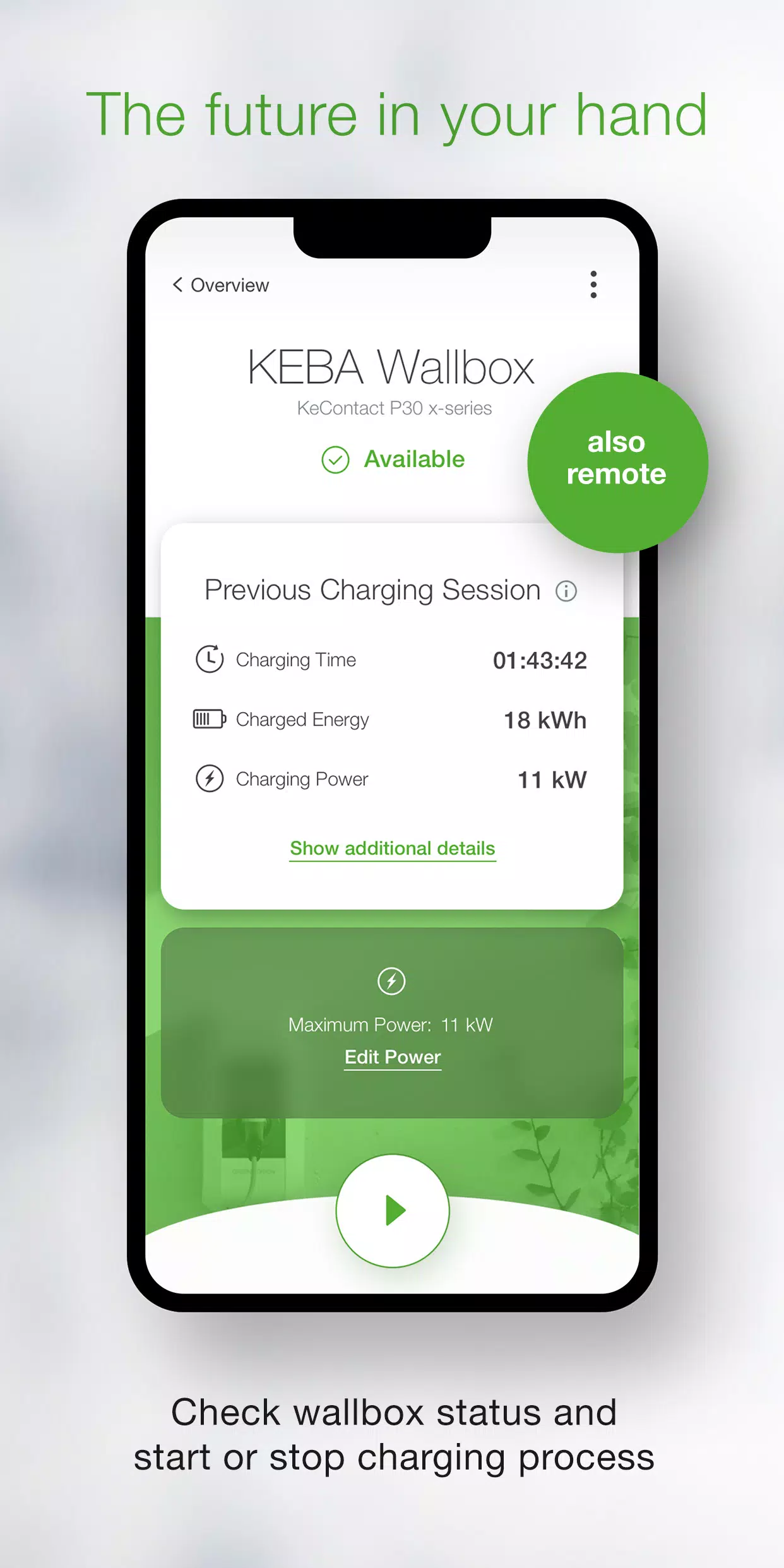
- Check your wallbox status instantly: Is it charging? Ready to charge? Offline? Or showing an error?
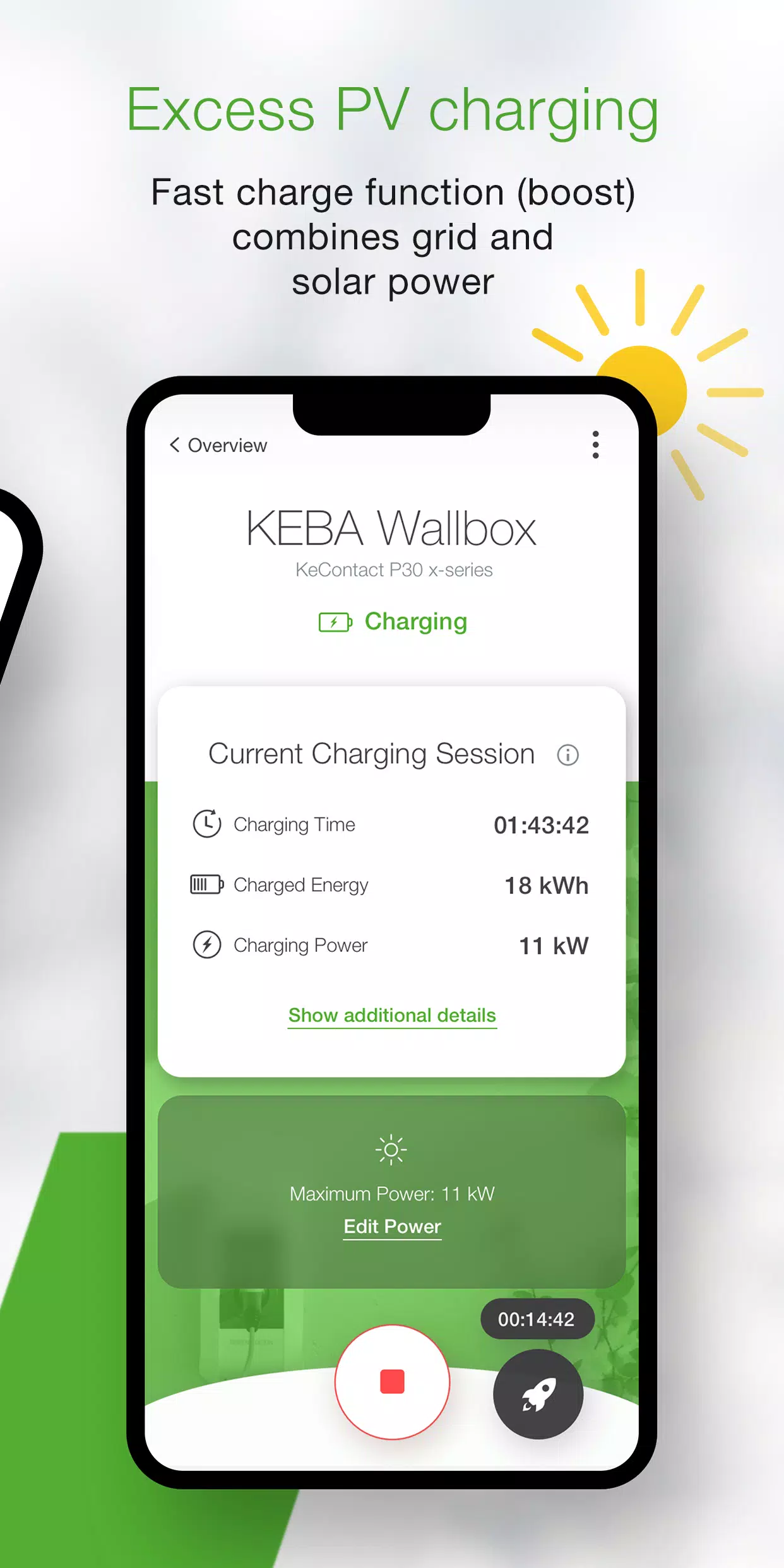
- Manage charging sessions easily: start or stop the current charge with a single tap.
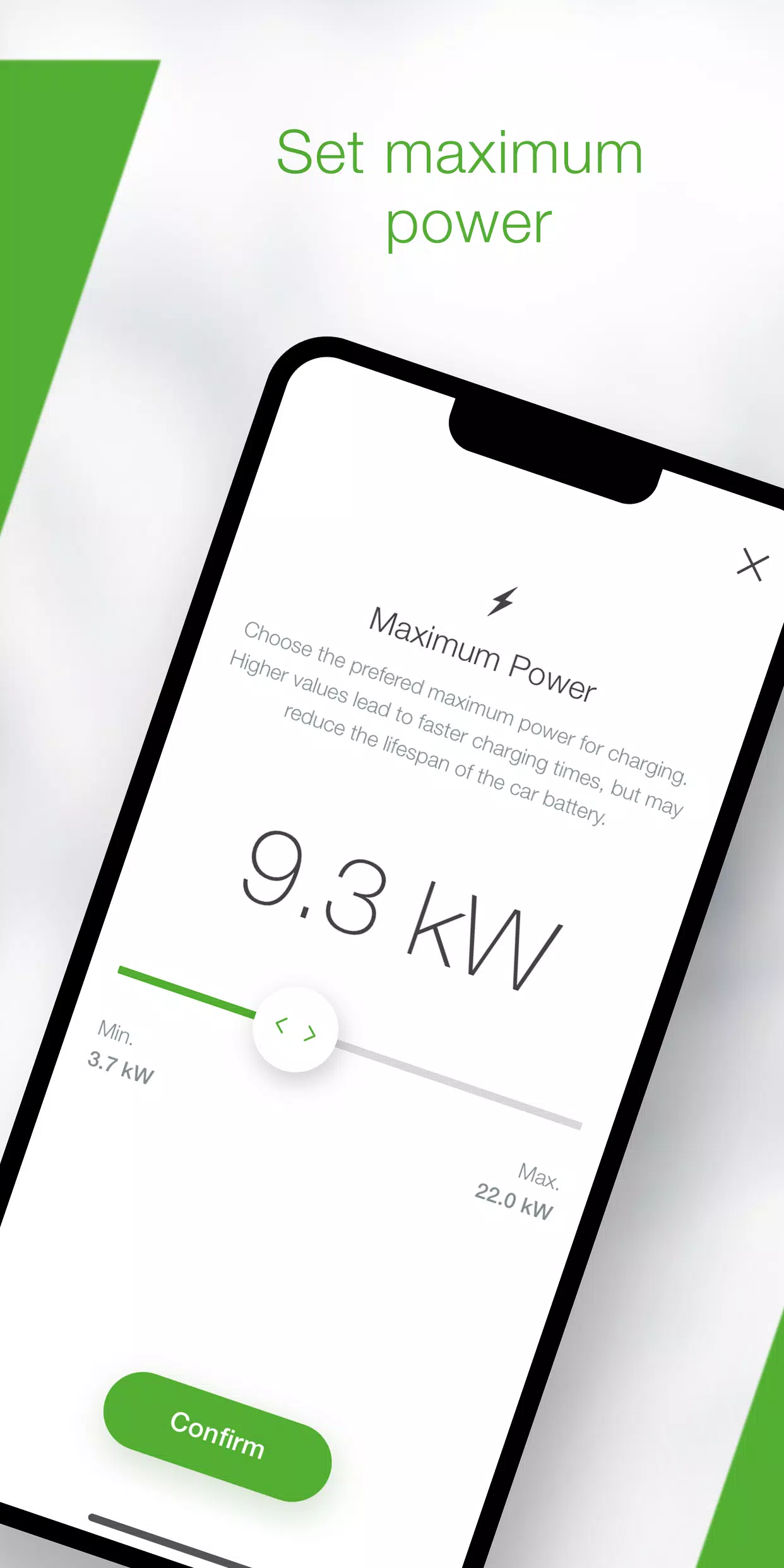
- Control power usage and charging time by setting the maximum charging power.
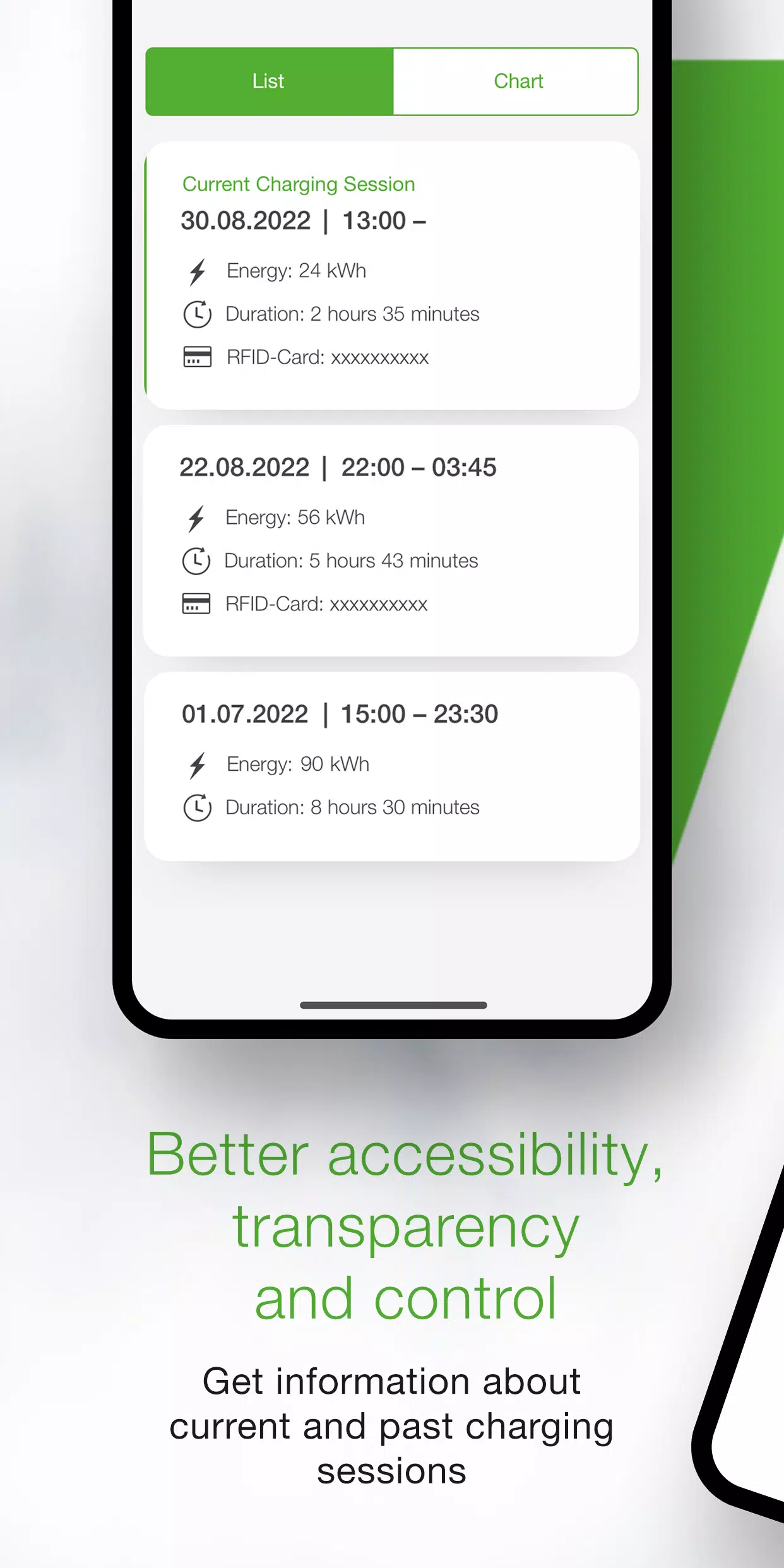
- Monitor live charging details—time, energy, power, amperage—and review past sessions in your history.
- Access your total energy usage data in the App's statistics section.
- The App's setup guide checks your wallbox compatibility and walks you through first-time connection and setup.
- Installer mode supports step-by-step configuration and setup for your first-time P40 Wallbox installation.
- Use power profiles to automatically start and stop charging at scheduled times with preset maximum power (configured via the KEBA eMobility Portal for P40, P30 x-series, company car wallboxes, and PV EDITION).
- Keep your wallbox updated by enabling automatic software updates in the App (not applicable for KeContact P30 c-series in stand-alone mode).
- For x-series users, access all familiar web-interface configurations directly in the App (only for KeContact P30 x-series).
These KEBA wallboxes are App-compatible:
- KeContact P40, P40 Pro, P30 x-series, company car wallbox, and PV EDITION
- KeContact P30 c-series (no firmware update needed to use the App)
Note: Charging stations run by Charge Point Operators may not support the App, particularly if you lack the web-interface password or serial number.
When using the KEBA eMobility App with a KeContact P30 c-series, some functions differ compared to the x-series. For a full feature comparison across series, visit www.keba.com/emobility-app.
Already using the KEBA eMobility Portal? Register via the App or Portal and unlock all benefits and powerful features on the browser-based KEBA eMobility Portal at emobility-portal.keba.com.
Important notes for electrical installers:
- Manually adjust the DIP switch settings on the P30 wallbox.
- Configure the P30 via the App using familiar settings from its web interface.
- For the KeContact P30 c-series, adjust DIP switches to enable full UDP communication (as outlined in the setup guide).
- Configure basic KeContact P40 settings either with the KEBA eMobility App or directly on the device.
What's New in Version 3.10.0
Last updated on Nov 12, 2024
P40: Wallbox software version 1.1.0 is now available
P40: Perform a factory reset of your wallbox through the App
P40: Resolved white screen error when offline
P40: Updated OCPP communication channel options in settings
P40: Fixed authentication errors from incorrect password entries
P40: Resolved Bluetooth pairing problems for already paired wallboxes
Improved usability and stability during wallbox enrollment
KEBA eMobility App Screenshots
Reviews
Post Comments
Trending Games
Trending apps












Latest Articles
More