


Application Description
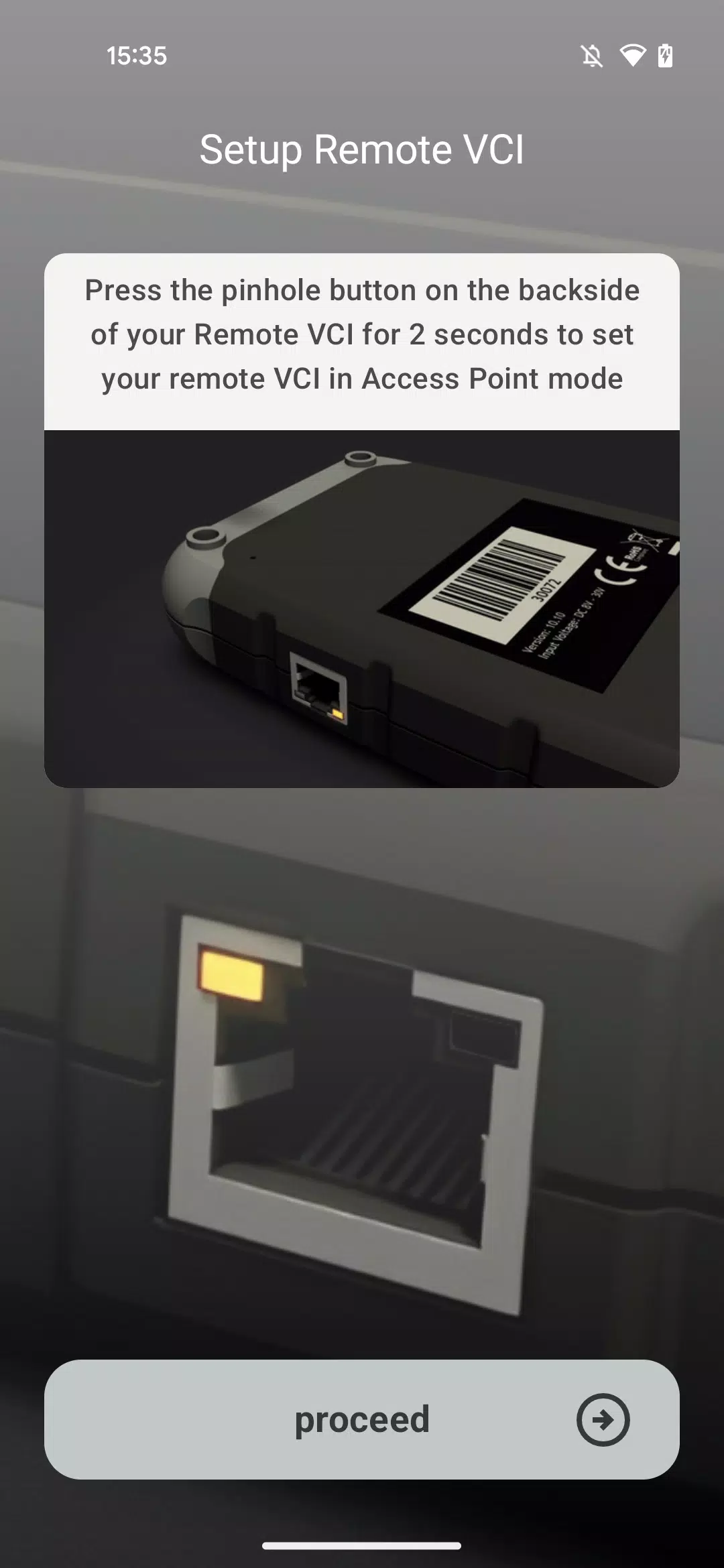
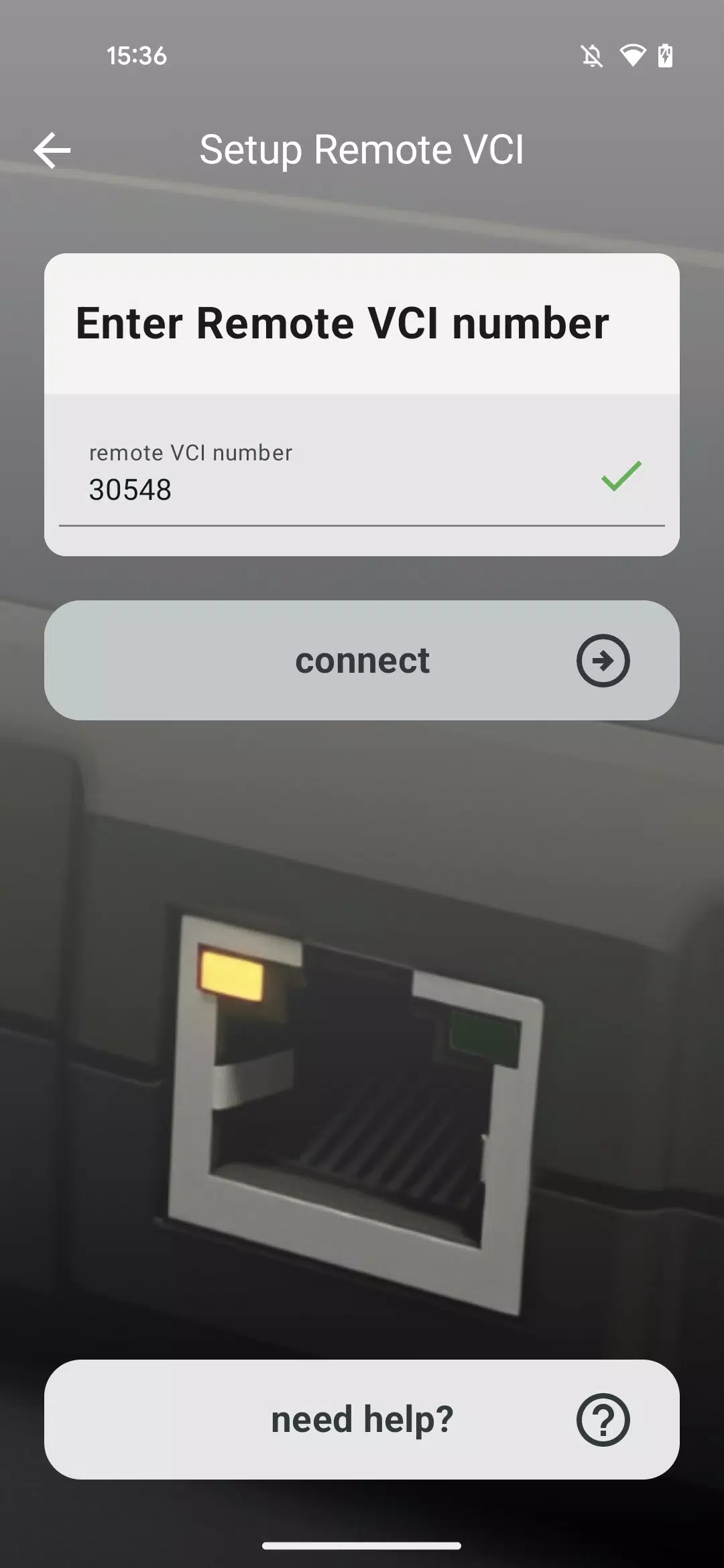
This application guides you through connecting your Remote VCI to your workshop's Wi-Fi network.
Our specially designed application assists you in linking your Remote VCI to the workshop's wireless network.
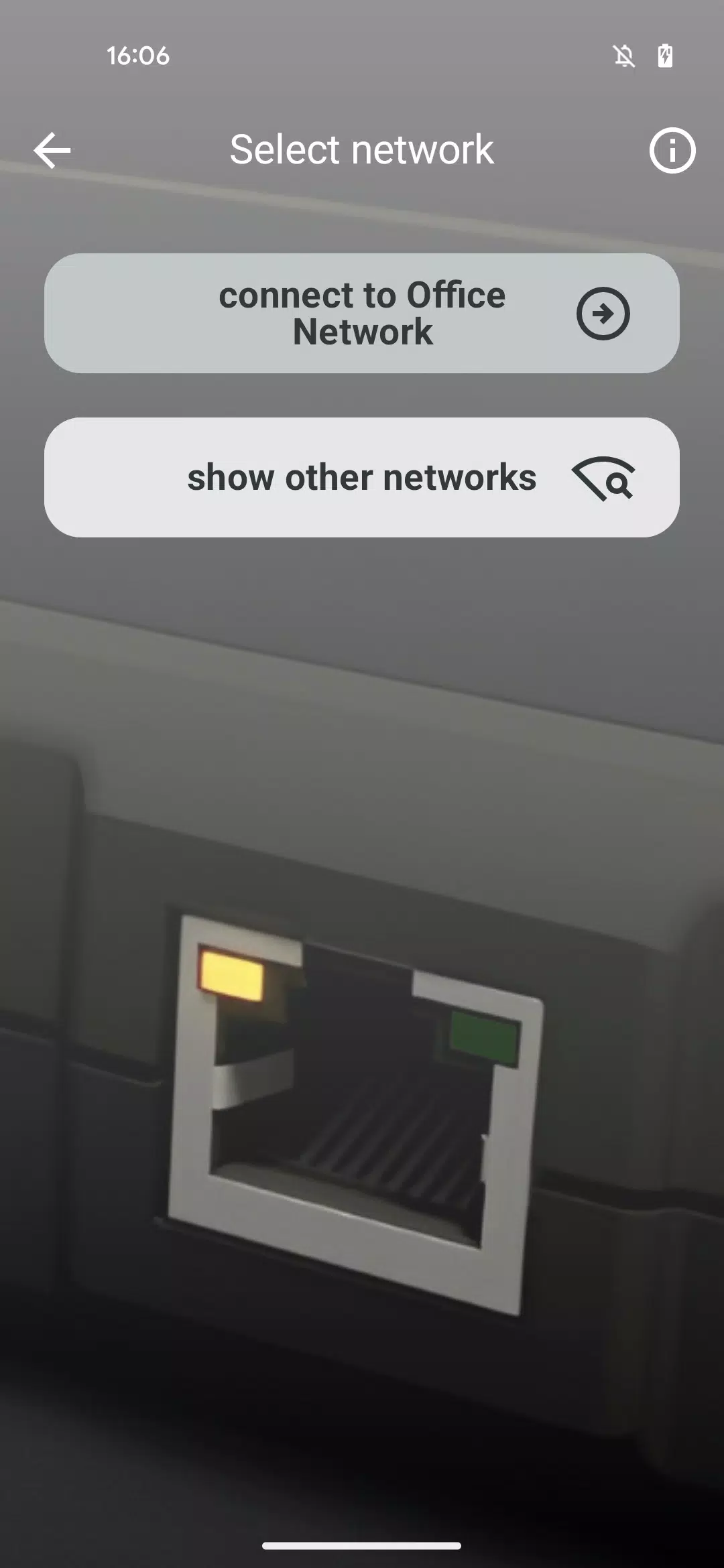
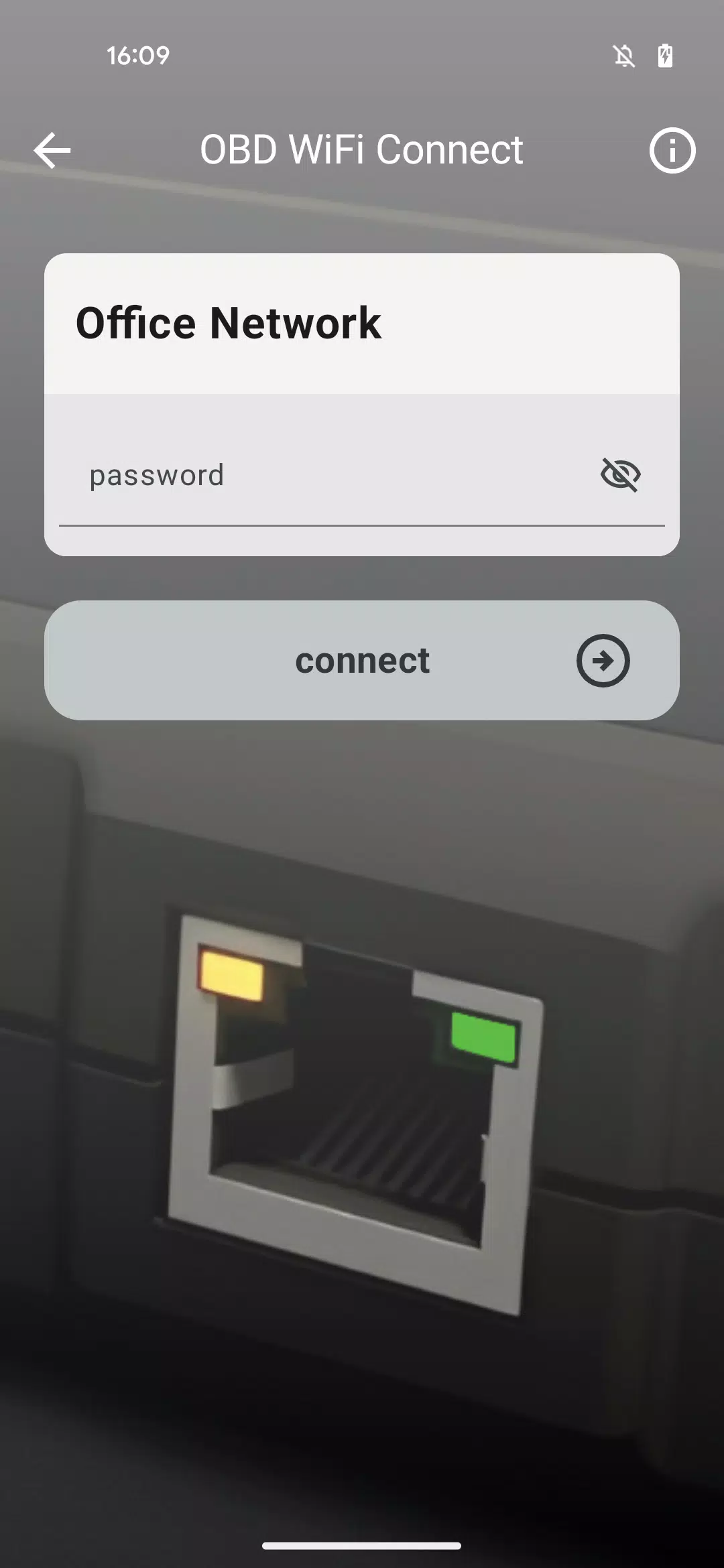
It walks you through a step-by-step procedure to choose the right Wi-Fi network and input its password, enabling your Remote VCI to automatically join your network.
Ensure you have your Wi-Fi network's correct login credentials ready beforehand.
The integrated Need Help section offers supplemental guidance should you encounter any difficulties during the Remote VCI connection process.
For situations demanding maximum connection stability—such as performing full software flashing on control units—we advise connecting your VCI directly to the internet using a LAN cable rather than Wi-Fi.
What's New in Version 1.1.2
Last updated on Nov 10, 2024
We are pleased to introduce the OBD WiFi Connect app, designed to help get your Remote VCI operational.
OBD WiFi Connect Screenshots
Reviews
Post Comments
Trending Games
Trending apps










Topics
More
Explore the World of Casino Games
Personalize Your Android: Top Apps for Customization
Unique Wallpaper Apps for Every Style
Exciting Action Packed Games for Android
Top Travel Planning Applications
Top Productivity Apps to Streamline Your Workflow
Personalize Your Android Experience with These Apps
Explore the World of Casino Adventure Games
Latest Articles
More