Corrigir erros da Marvel Rivals instantaneamente: Guia Ultimate
Autor: Elijah
Feb 24,2025


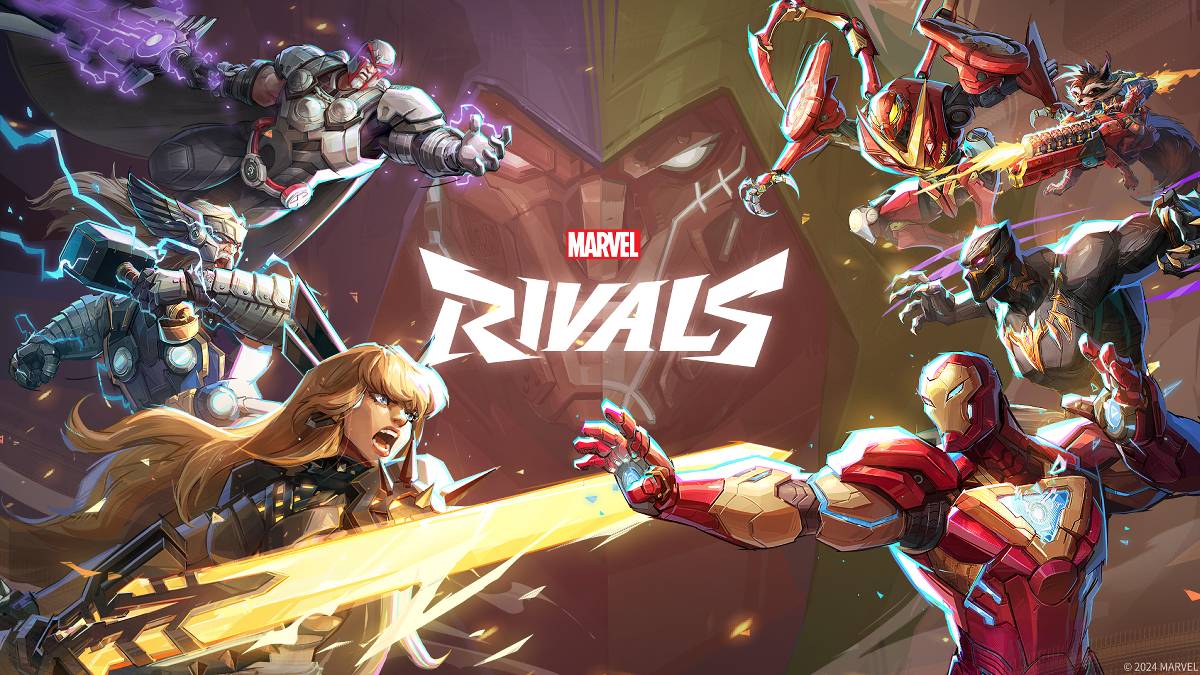
Solução de problemas Marvel Rivals Códigos de erro: um guia abrangente
Marvel Rivals, como muitos jogos modernos, ocasionalmente encontra bugs e códigos de erro. Este guia fornece soluções para problemas comuns que impedem a jogabilidade suave. Esses erros podem variar desde impedir o lançamento do jogo até causar acidentes, atrasos ou gaguejamento no jogo.
| Error Code | Description | Solutions |
|---|---|---|
| Error 4 | Frequently appears on PlayStation, but can also affect the PC version. | Check internet connection; Verify server status; Relaunch *Marvel Rivals*. |
| 99% Loading Bug | Players become stuck at 99% during match loading. | Check internet connection; Close background applications; Adjust Network Diagnostic Settings. |
| Error 211 | Common among Steam users, indicating connection problems. | Check server status; Disable third-party server blockers; Check internet connection; Verify game files. |
| Error 10 | Occurs upon launching *Marvel Rivals*, often due to poor internet connection. | Check internet connection; Relaunch *Marvel Rivals*; Check server status. |
| Error 220 | Potentially caused by server location or firewall settings. | Adjust security firewall settings; Modify DNS settings; Disable third-party server blockers; Use a VPN. |
| Error 21 | Sometimes encountered by Xbox players during launch. | Restart console; Reset router; Check server status; Disable IPv6 on internet connection; Use a VPN. |
| Error 5 | Afflicts PlayStation players, indicating high ping and packet loss. | Address high ping and packet loss due to high latency. |
| Error 26 | Prevents gameplay. | Check internet connection; Disable VPN; Clear cache files; Verify game files. |
| Packet Loss Error | High ping and packet loss due to high latency spikes. | Check internet connection; Close background applications; Adjust Network Diagnostic Settings. |
| DX12 Not Supported | Game launch failure due to unsupported DX12, often related to Windows updates or GPU incompatibility. | Update to the latest Windows version; Update GPU drivers; Reinstall *Marvel Rivals*. |
| Error Code 258 | Login failure via PC launcher, particularly affecting Epic Games Store users. | Investigate Epic Games Store-specific solutions. |
| Error LS-0014 | Affects Epic Games Store users. | Check antivirus software; Verify game files; Reinstall the game. |
| Igniting the Timestream | Occurs during matchmaking. | Check server status; Restart the game; Check internet connection. |
| Version Mismatch | Appears after game updates. | Verify game files; Check for updates; Check internet connection. |
| Out of Video Memory | Prevents gameplay. | Check VRAM; Update GPU drivers; Close background applications. |