
Application Description
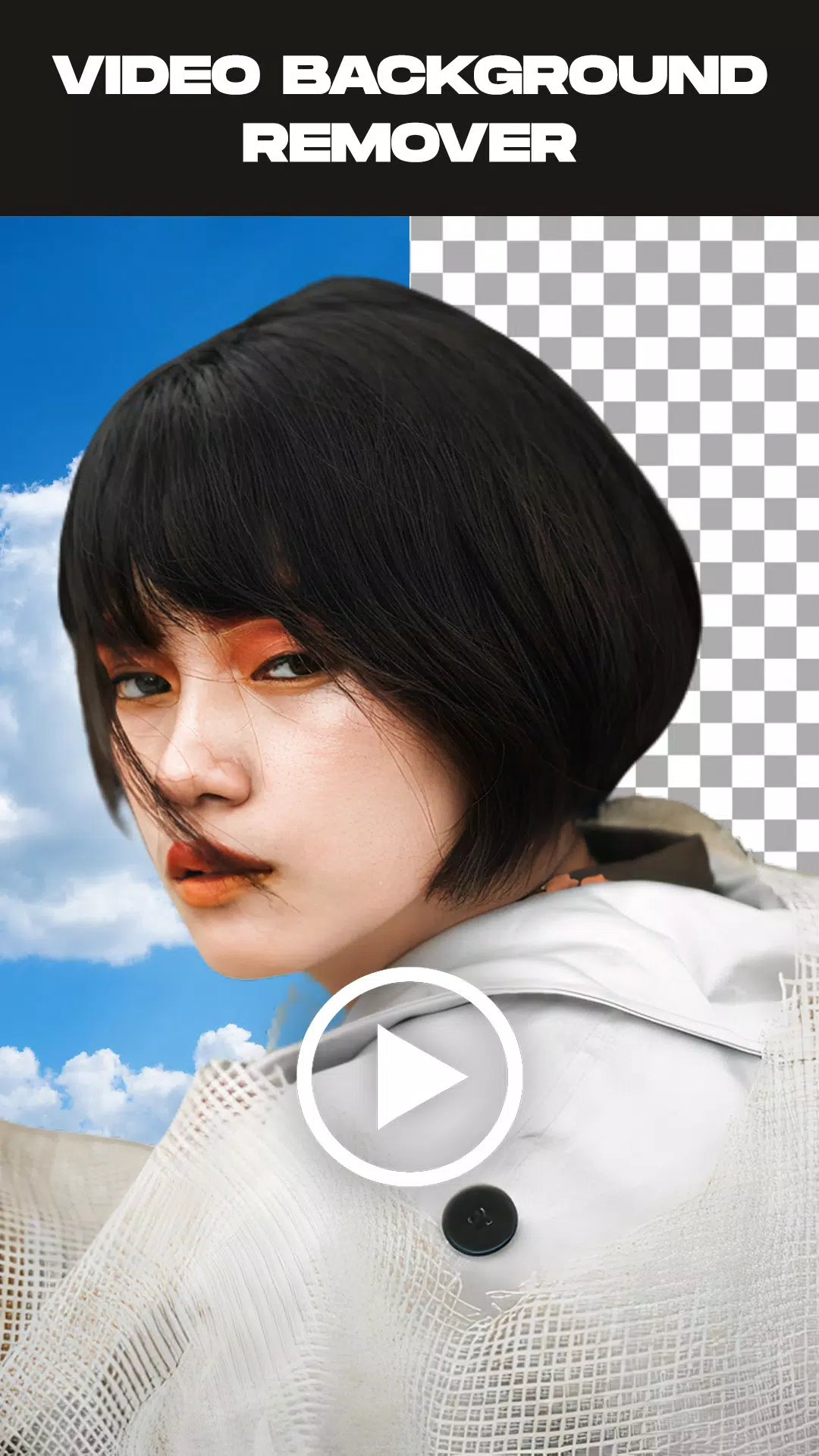
Effortlessly remove video backgrounds, erase photo backgrounds & replace video backgrounds with ease
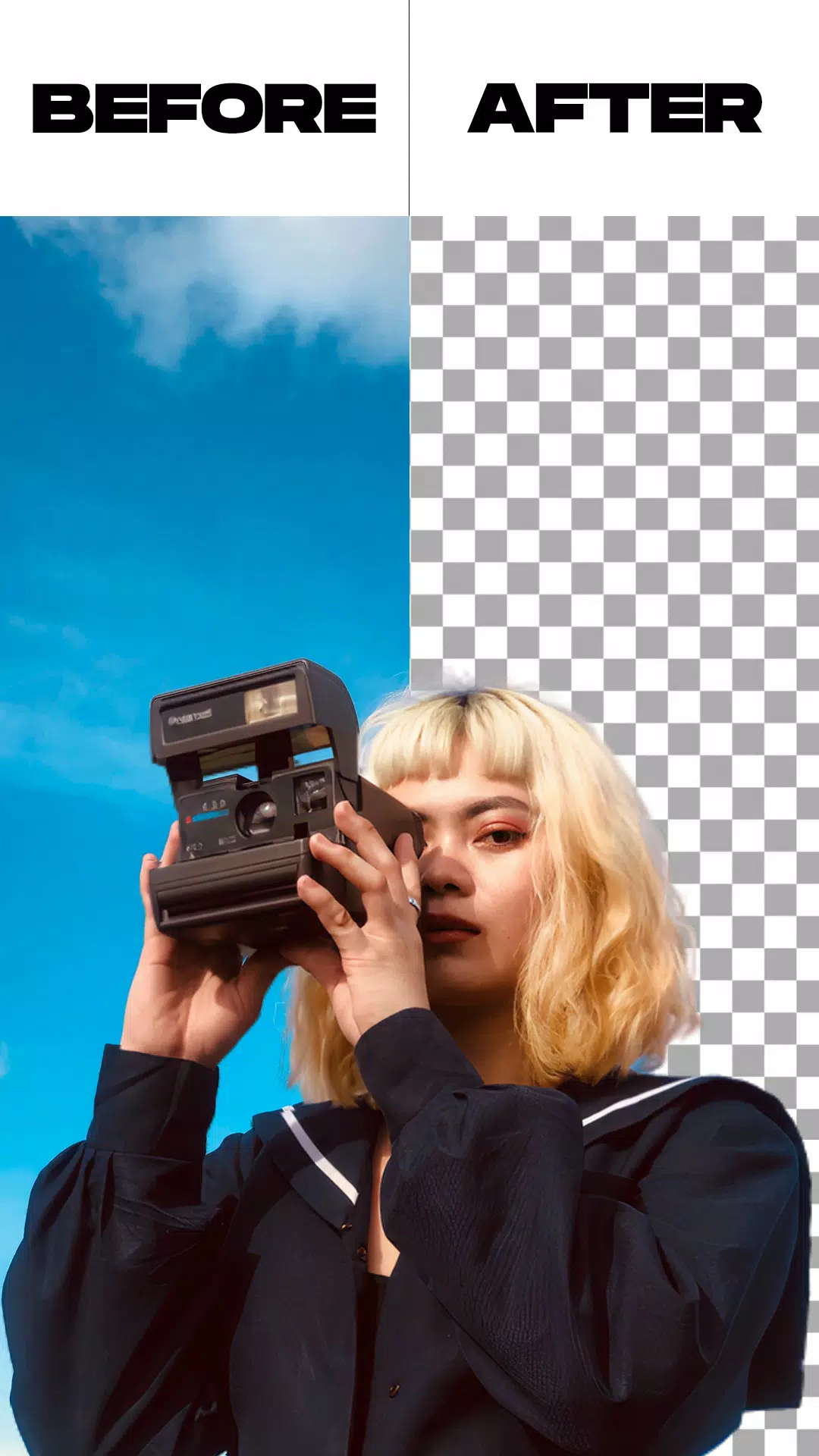
The Remove Video Background app is your ultimate solution for eliminating backgrounds from both videos and photos. This powerful tool lets you seamlessly extract backgrounds from your media files while offering the option to replace them with custom backgrounds from your camera roll or gallery. The app provides two distinct processing methods, along with bonus capabilities including image background removal and green screen replacement with personalized backdrops.
This free video background editor comes packed with innovative features, including the ability to swap video backgrounds with solid colors. Choose from thousands of vibrant color options or stunning gradient combinations to perfectly customize your camera footage's background.
Beyond color customization, our solution enables you to replace video backgrounds with any image from your gallery or even overlay another video - all with just a single tap for instant transformation.
Experience professional-grade green screen effects with dual camera support, allowing effortless switching between front and rear cameras. Whether you're shooting selfies or traditional footage, you can completely transform your background in real-time.
The green screen effect has become essential for creators looking to elevate their video production. But what exactly is this feature? Essentially a sophisticated digital filter, it provides content creators with versatile options to enhance their social media videos.
Much like the physical green screens used in blockbuster films to create superhero environments, this digital counterpart enables anyone to craft professional-looking scenes. While widely popular online, mastering this effect can give your content a competitive edge.
Key Features:
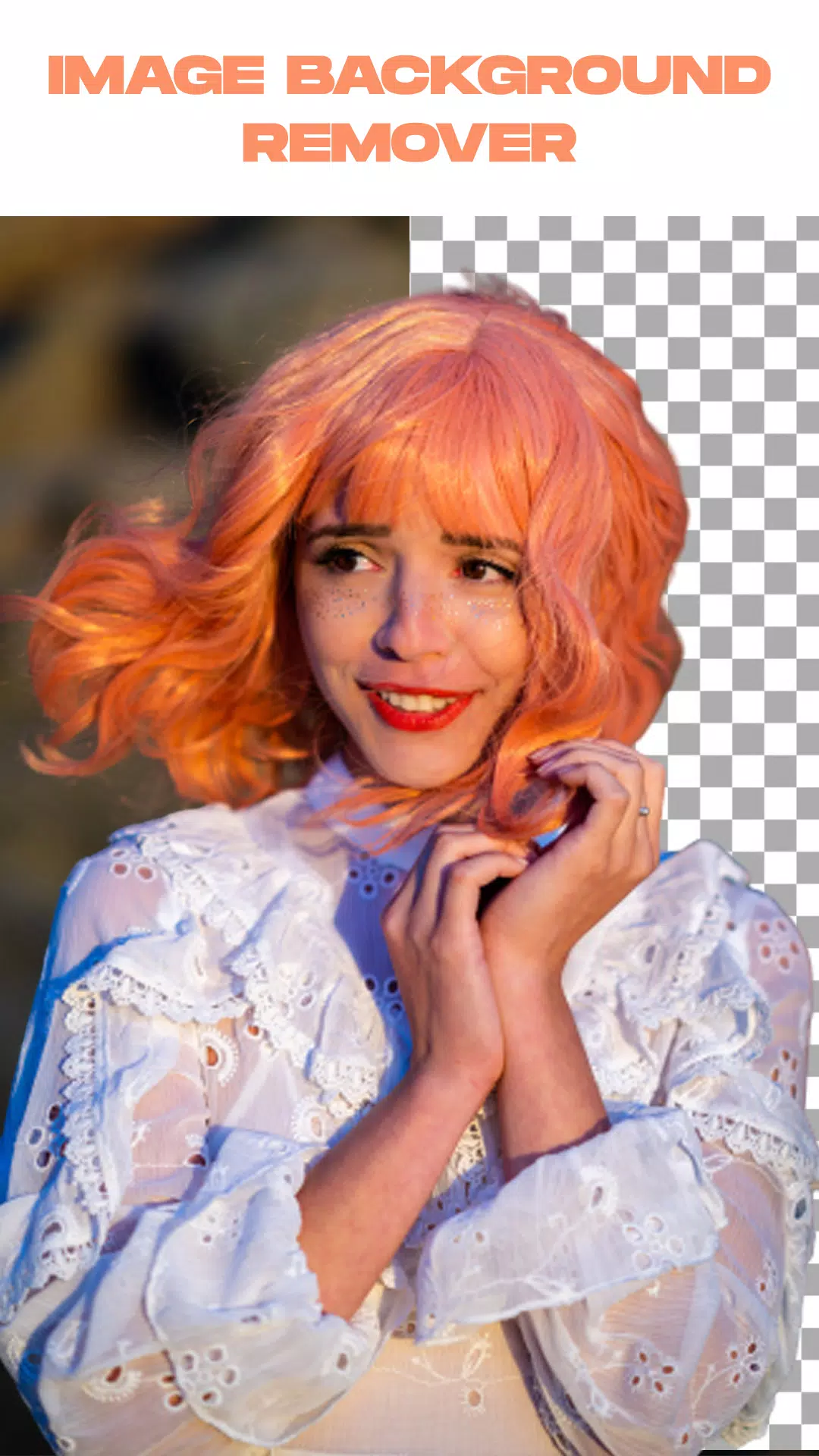
- Advanced image background removal with automatic and manual processing options
- Intuitive video trimming functionality before background removal
- Seamless background extraction from both live camera and gallery videos
- Complete green screen customization - replace with your preferred background
Simple Steps to Use:
- Launch the Remove Video Background application
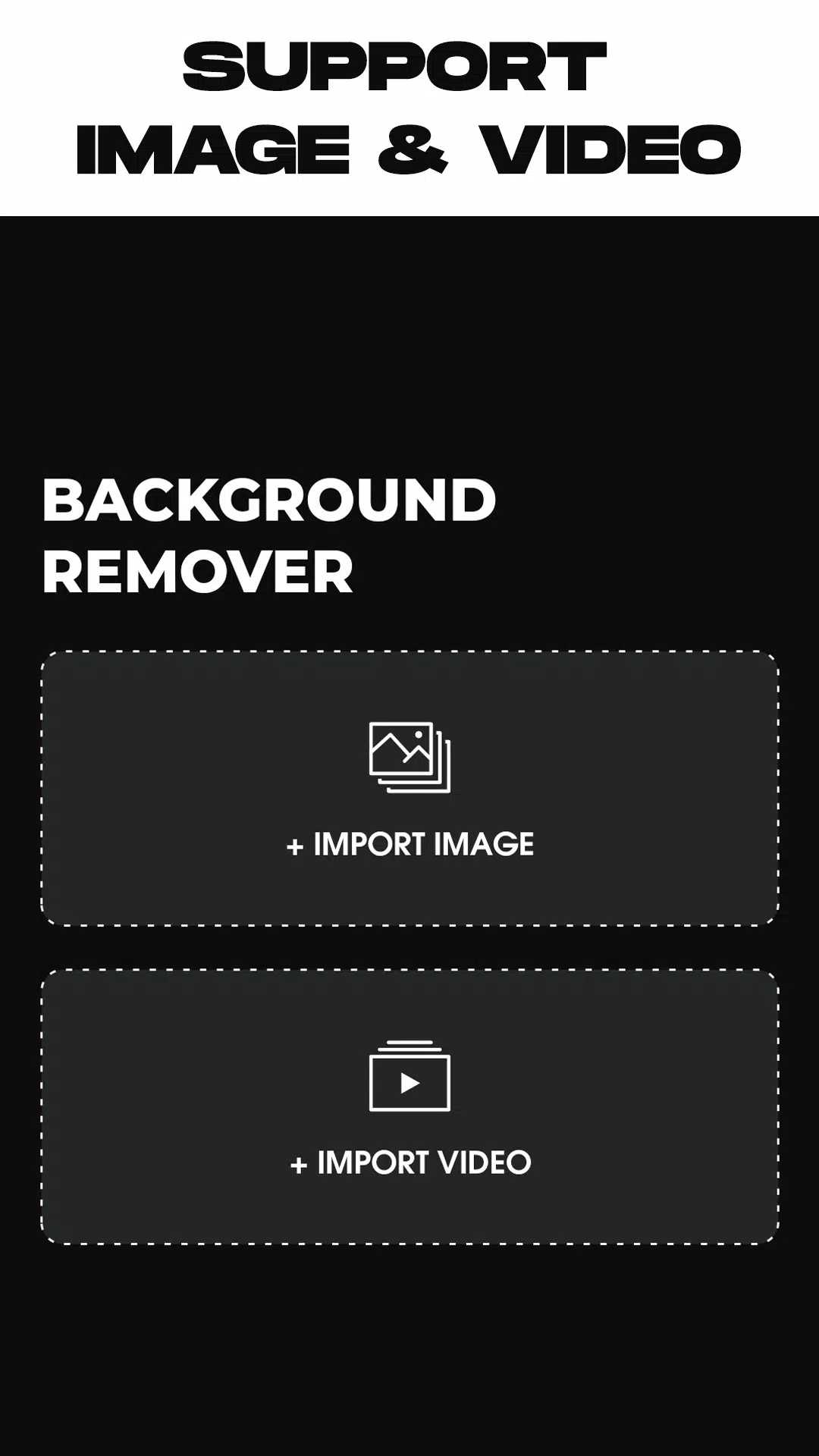
- Select your processing preference: photo background removal or video background editing
- After media selection, the app automatically processes background removal - simply wait for completion
- Once processed, customize your background using built-in options or personal media from your gallery
- Finalize your creation by exporting - your edited media saves directly to your device's gallery
What's New in the Latest Version 1.5.4
Last updated on May 26, 2024
* Minor bug fixes and performance improvements
Remove Background From Video Screenshots
Reviews
Post Comments
Trending Games
Trending apps












Latest Articles
More