

アプリケーションの説明
You're all set to retrieve your Nissan radio activation code instantly — here’s exactly what you need to do, step by step:
✅ Step 1: Identify Your Radio Model & Serial Number
The process depends on your Nissan model and radio type. Follow the correct method below:
📌 For Qashqai, Note, Juke, or X-Trail (Touch & Connect / Daewoo-style units):
- Turn the ignition to ON (but engine off).
- Press "0000" on the radio keypad three times in a row.
- The screen will display:
- Serial Number
- Part Number
- Date (e.g., 09/2017)
- Take a clear photo of the screen showing all 3 details.
⚠️ Note: A temporary lock (1-hour timeout) will appear after the third entry. Wait or restart the radio if needed.
📌 For Micra, NV200, Almera, or older models (Blaupunkt/Clarion units):
- Remove the radio from the dashboard (use a removal tool if needed).
- Look under the unit, behind the faceplate, or on the side casing.
- Find the barcode sticker and note the Serial Number (example formats below):
BP5387 1 1200974PN2805FB 0104449CL0819 A 0111080PP3001MB 0041120
✅ Good news: If your Micra has a Blaupunkt radio, you may qualify for a FREE instant code!
🛠 Step 2: Use the Nissan Radio Code Generator (App or Website)
Since you're using this guide, you likely have access to the Nissan Radio Code Generator app (or a trusted website like ours).
🔑 What to Do Next:
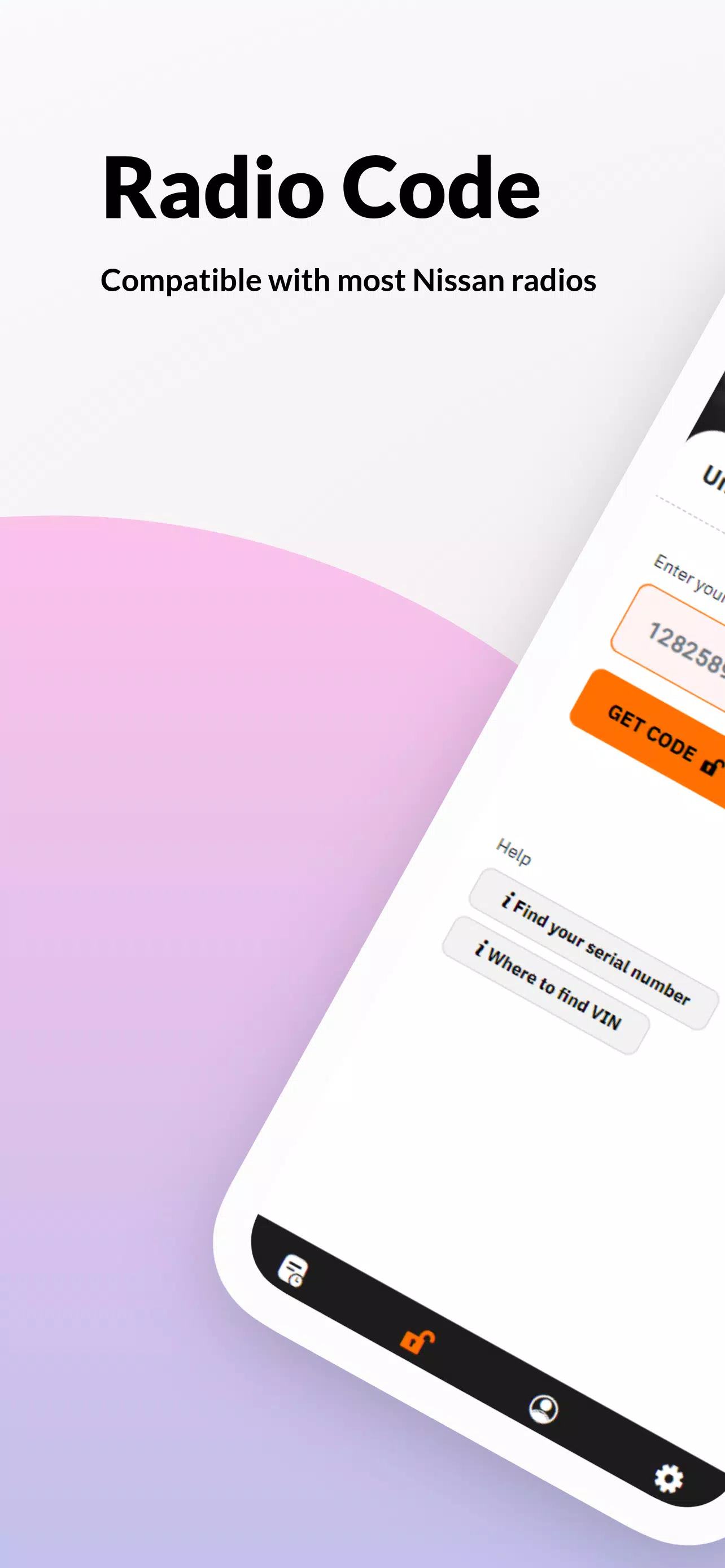
- Open the Nissan Radio Code Generator app (or visit the official site).
- Select your Nissan model (e.g., Qashqai, Micra, X-Trail, etc.).
- Enter the Serial Number, Part Number, and Date (as seen on screen or on the sticker).
- Tap "Generate Code".
💡 Pro Tip: Double-check for typos — even one wrong digit can cause failure.
🎉 Step 3: Get Your 4-Digit Unlock Code
- For Blaupunkt Micras: Code is free and instant (often within seconds).
- For others (Qashqai, X-Trail, Juke, etc.): Processing takes up to 30 minutes (usually faster).
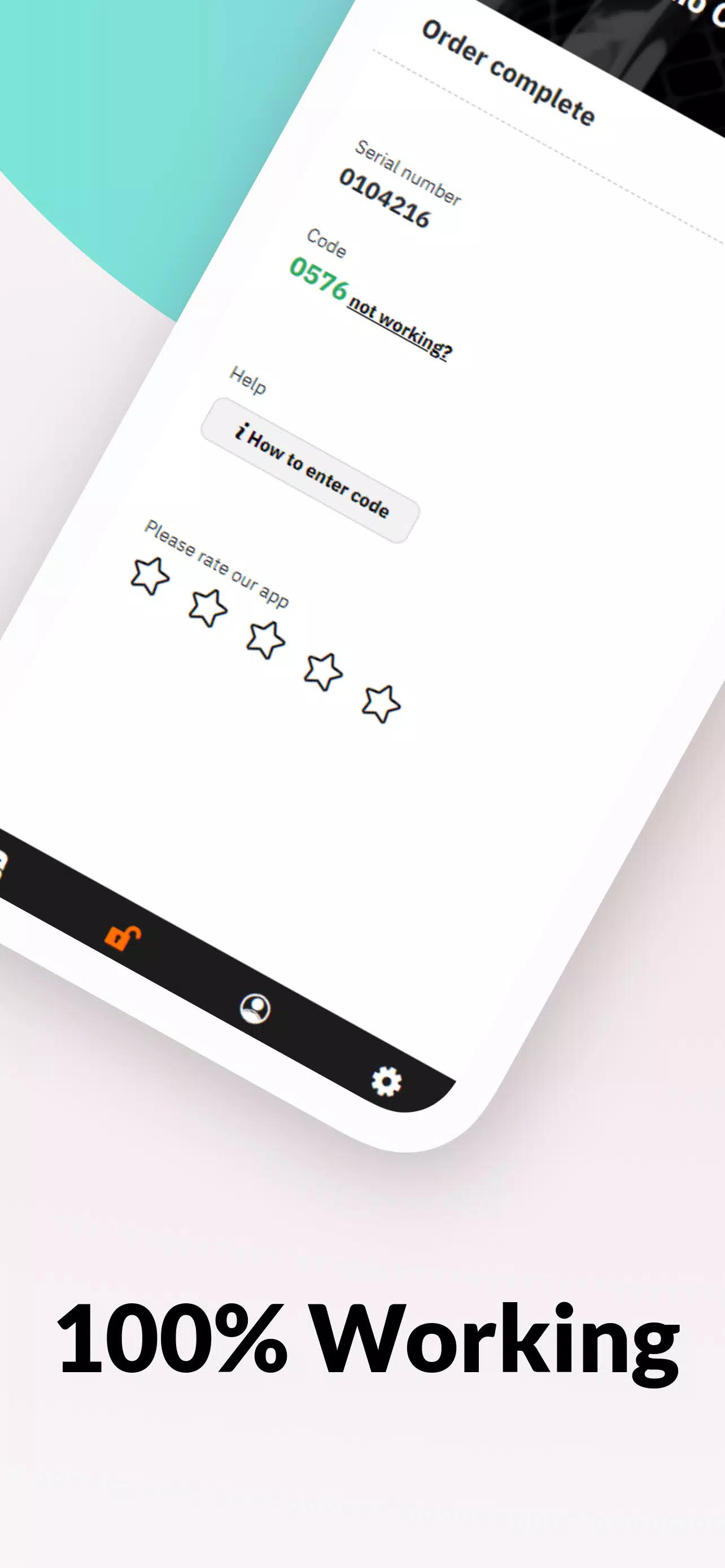
- You’ll receive a 4-digit code via app, email, or in-app display.
🔐 Step 4: Enter the Code to Unlock
- Turn on the radio.
- When prompted, enter the 4-digit code.
- Press "Enter" or "OK".
- ✅ Done! Your radio will unlock and resume full function.
📞 Need Help? We’ve Got You Covered
- 24/7 Support via Chat: Real human agents available daily (8 AM – 8 PM).
- Refund Guarantee: If the code doesn’t work, we’ll help you get a refund (via Google Play, if paid).
- No Fraud: All codes are factory-verified, model-specific, and secure.
🔄 Latest Update: Version 3.0.0 (Sep 12, 2024)
- Faster code generation
- Better UI & compatibility
- Improved accuracy for X-Trail and older Juke models
✅ Update your app now for the best experience!
🔗 Need the App?
Search for:
"Nissan Radio Code Generator"
on the Google Play Store (or Apple App Store, if available).
🚗 Final Note
This process is official, safe, and 100% legal. It's designed for owners who’ve lost their radio code after battery replacement or power outage.
📞 Still stuck?
👉 Reply with:
- Your Nissan model
- Radio type (e.g., Blaupunkt, Touch & Connect, Daewoo)
- Serial Number (copy exactly as shown)
And we’ll generate your code instantly — no guesswork.
✅ Your radio is just one code away. Let’s get it unlocked now.
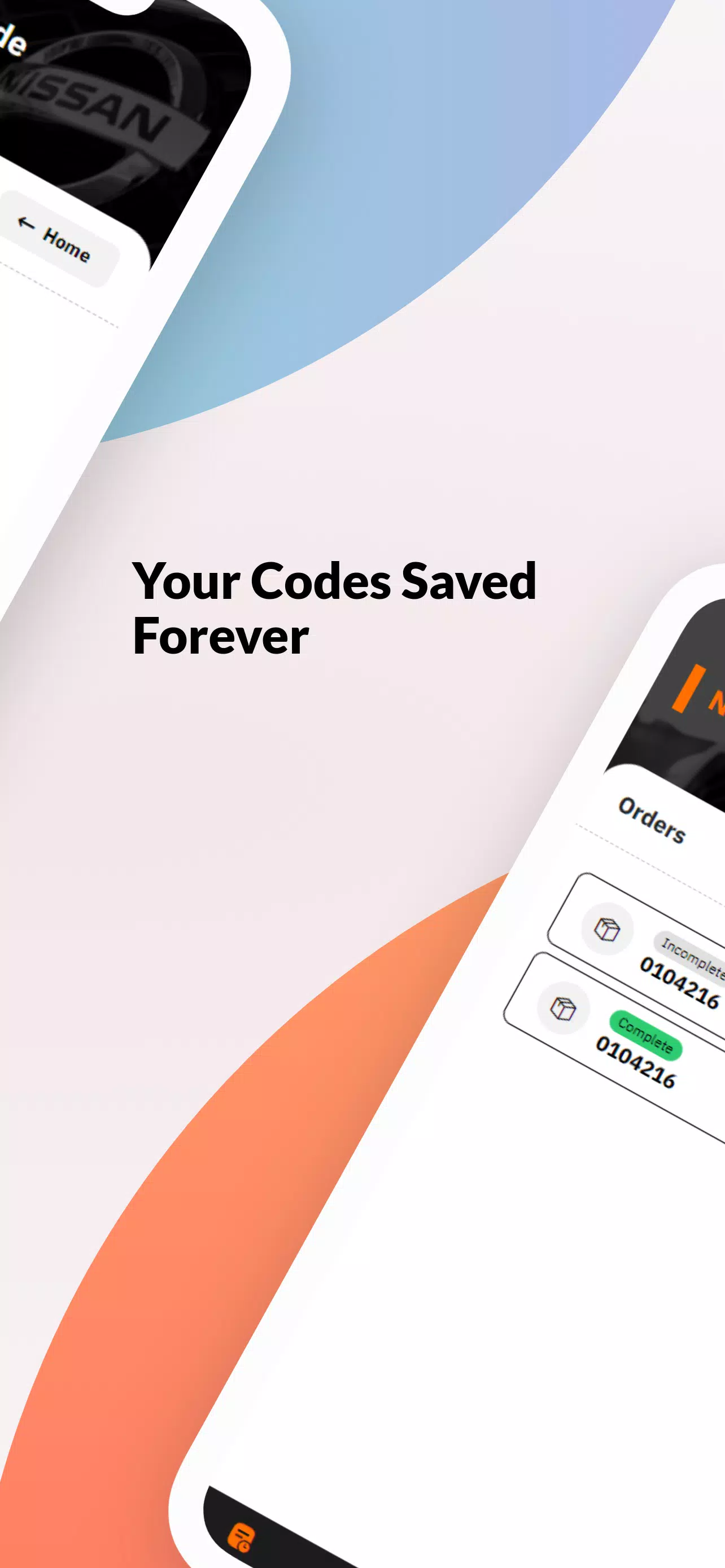
Nissan Radio Code Generator のスクリーンショット
レビュー
コメントを投稿する
トレンドのゲーム
トレンドのアプリ











最新記事
もっと
クロネコールが『カース・パーティー』と『クレヨンしんちゃん』を追加
Apr 15,2026
『戦車世界ブリッツ』、今夏で10周年
Apr 09,2026
フォートナイト、マスターチーフのアーマーをアップデート
Apr 08,2026
『リディーオアノット』、コンテンツ紛争の中でのコンソール販売100万本突破
Apr 06,2026
