


應用說明
Easy Drawing and Painting App
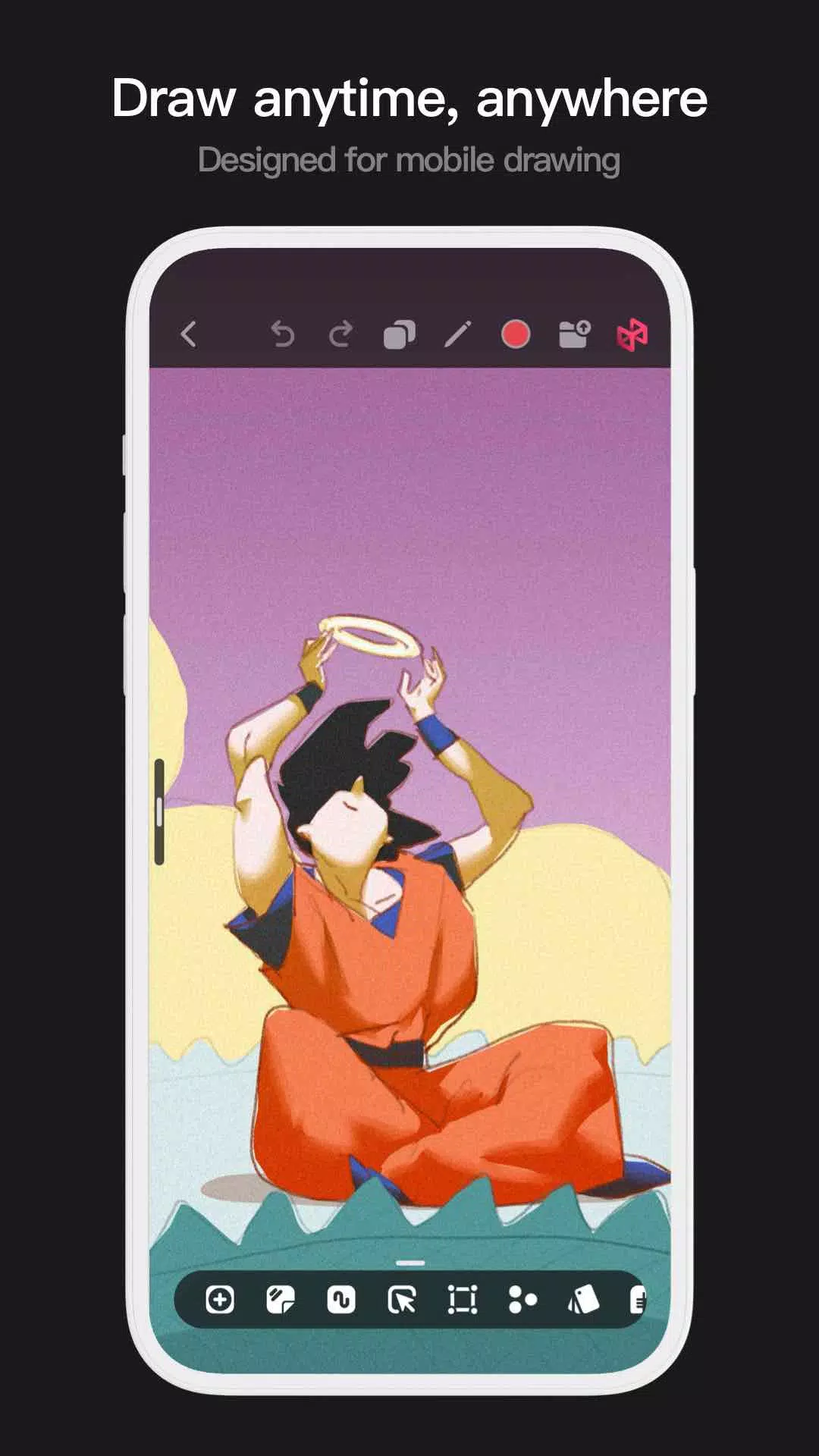
Pofi Brush is the ultimate mobile art tool, designed to give creators and artists an exceptional painting experience and unlock their creative potential.
Pofi Brush comes packed with dozens of beautifully crafted brushes, a full suite of layer and color tools, an elegant and intuitive interface, and a smooth, powerful 2D Artistic Engine—delivering a complete digital art studio experience. All features and resources are completely free. Whether you're just starting out or are a seasoned professional, Pofi Brush empowers you to produce impressive sketches, illustrations, comics, and cartoons on your phone or tablet, letting you create and express your ideas anytime, anywhere.
Powerful 2D Artistic Engine
Built and optimized by the Pofi team, the powerful 2D Artistic Engine is compatible across multiple platforms, supports large HD canvases and multiple layers, and harnesses 64-bit multi-core processors for buttery-smooth performance—all to guarantee the best possible painting experience.
- Canvas sizes up to 4k × 4k px ensure sharp, lifelike artwork.
- Mobile-friendly interface designed for easy painting on the go.
- Optimized for 64-bit multicore processors to deliver fluid drawing speeds.
- Use an electronic pen for smooth, realistic strokes with minimal lag.
- Auto-save and save-on-exit protect your work.
- All features are fully supported on both phones and tablets.
Professional Brush Editor
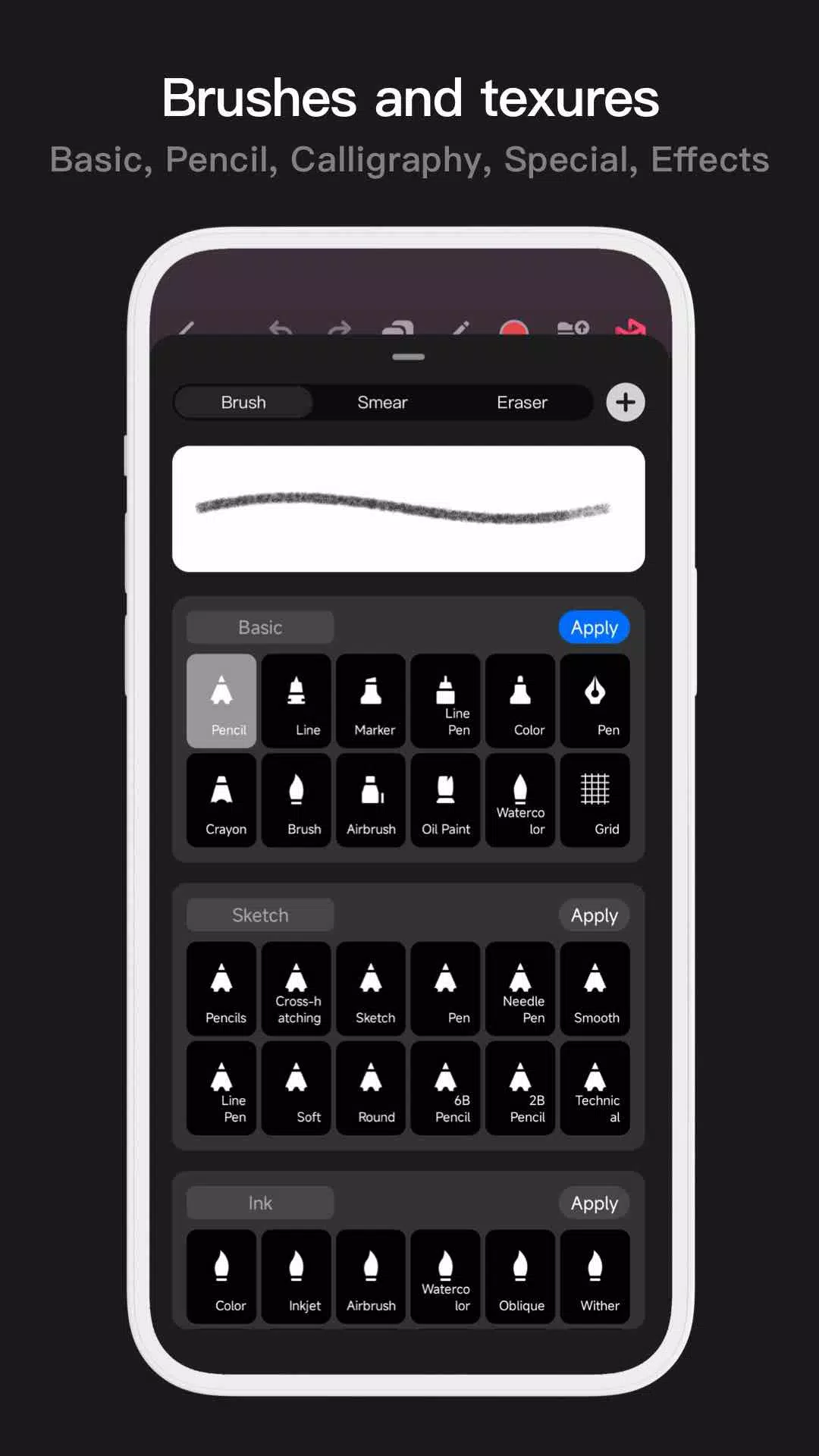
Pofi Brush includes dozens of versatile preset brushes, each featuring over 40 customizable settings. Tailor brushes to your style and creative needs—or design your own from scratch for truly personalized artwork.
- Dozens of professionally designed brushes for sketching, inking, texturing, and special effects.
- Each brush supports three modes: Brush, Eraser, and Smudge.
- Customize each brush with over 40 settings, plus a library of preset nib shapes and textures.
- Organize brushes into groups for easier access and management.
- Anti-flutter settings add smoothness and flow to your strokes.
- Finger-painting mode simulates pressure, so even finger artists can achieve fine, detailed lines.
- Full electronic pen integration captures speed, tilt, and pressure for an authentic brush feel.
Advanced Multi-layer System
Take control of your artwork with Pofi Brush’s multi-layer system—featuring grouping, effects, and adjustment options to fine-tune each layer and bring your vision to life.
- Layer Preview helps you quickly find and check layers.
- Drag-and-drop grouping, merging, and deletion to manage multiple layers efficiently.
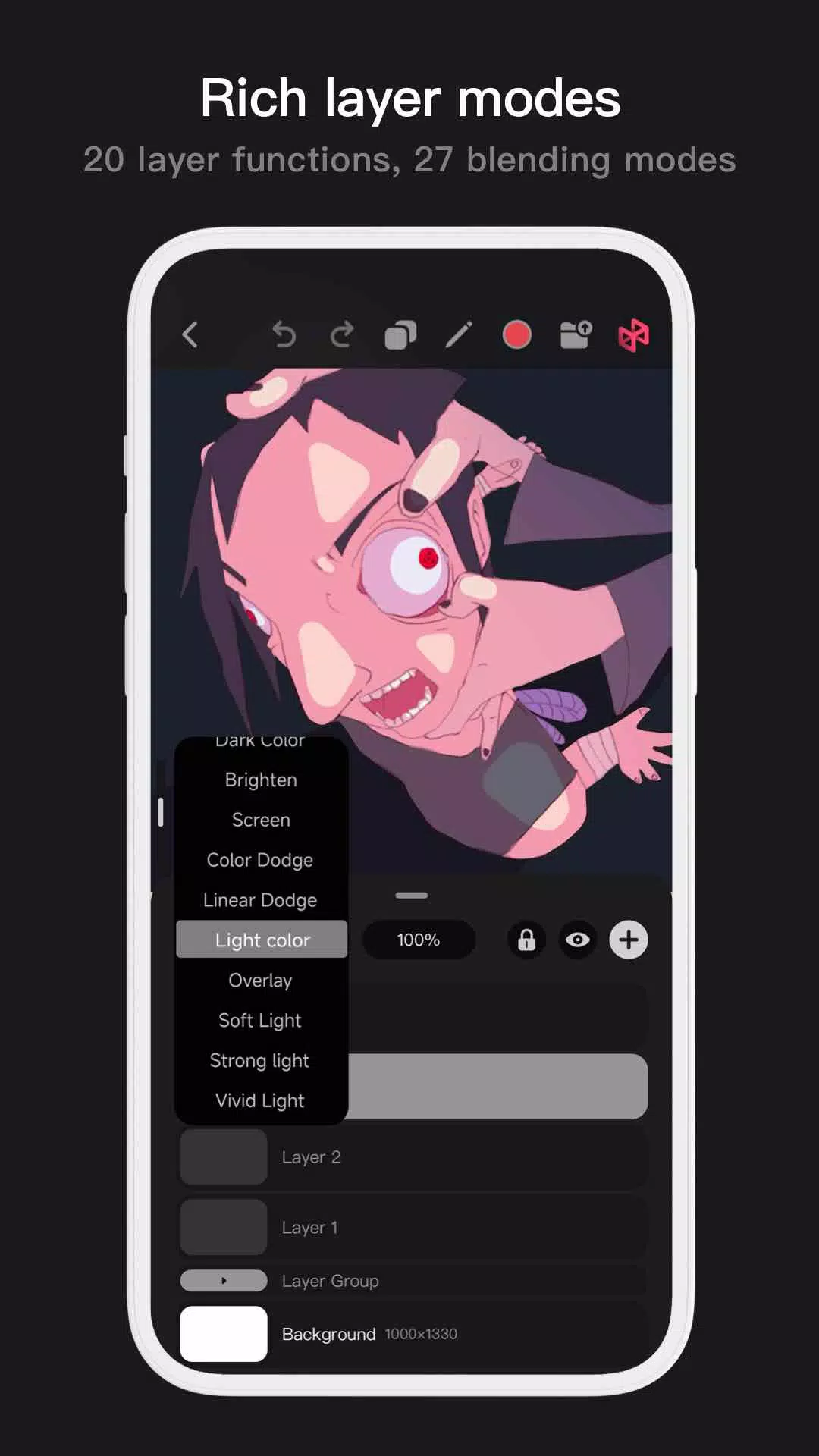
- 20 layer functions: drag sorting, show/hide, lock/unlock, opacity, multi-select, and group/ungroup options.
- 27 layer blending modes including Standard, Darken, Multiply, Color Burn, Linear Burn, Lighten, Screen, Color Dodge, Linear Dodge, Overlay, Soft Light, Hard Light, and more.
Full-featured Color Tools
Access a variety of color tool panels and styles tailored to artists’ needs, making it fast and easy to pick the perfect colors for your projects.
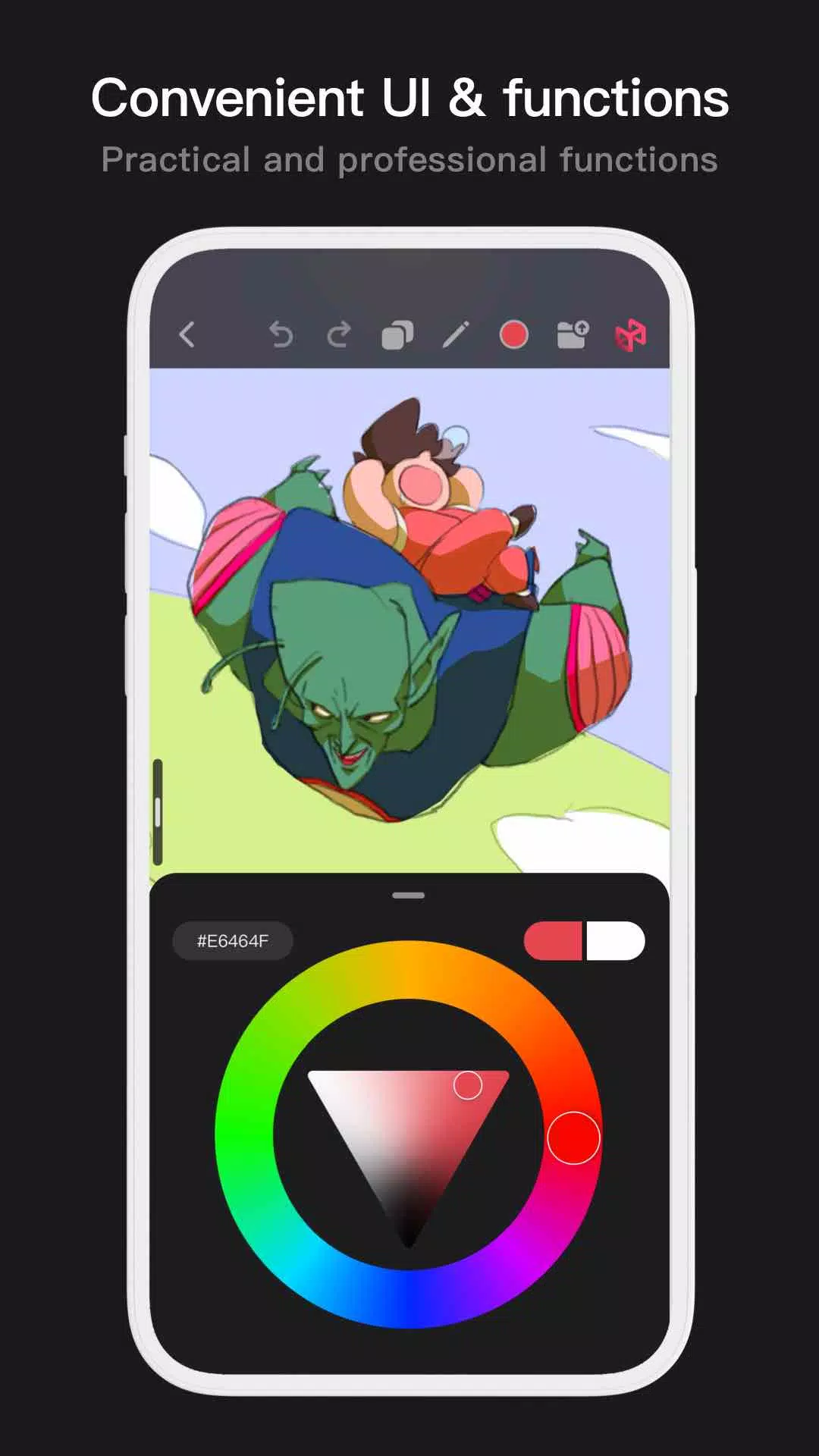
- 4 color panel types: circular color wheel, square palette, HSB numerical input, and grouped color swatches
- 2 ways to pick colors: input hex codes or press and hold to sample
- 6 swatch functions: group swatches, rename groups, reorder groups, sort colors, overlay swatches, and delete swatches
More Highlights
- Phone interface supports half-screen and full-screen expanded views.
- Tablets support large expanded layouts and small draggable interfaces.
- Rotate and zoom the canvas with ease.
- Auto-save and resume on return.
- Export your work as PNG or JPG files.
If you have any questions or suggestions while using Pofi Brush, feel free to reach us at [email protected].
Privacy : https://brush.pofiapp.com/agreement/privacy
Pofi Brush應用截圖
用戶評價
發表評價
熱門遊戲
熱門應用











最新文章
更多
Pokémon Go 推出100美元VIP票升級
Oct 06,2026
《合金裝備Delta》多人模式“獵狐行動”或取代《金屬齒輪線上》
Oct 06,2026
亞馬遜3本2折圖書促銷:《黑曜石風暴》《日出》免費贈送
Oct 05,2026
《毀滅戰士:黑暗時代》實體版需下載80GB
Oct 04,2026
《原神》開發商因開箱問題被罰2000萬美元
Oct 03,2026
Emiru異世界慢生活聯動活動指南
Oct 03,2026