Final Fantasy VII Rebirth PC Stuttering: Ultimate Fix Guide
Author: Christian
Jan 07,2026


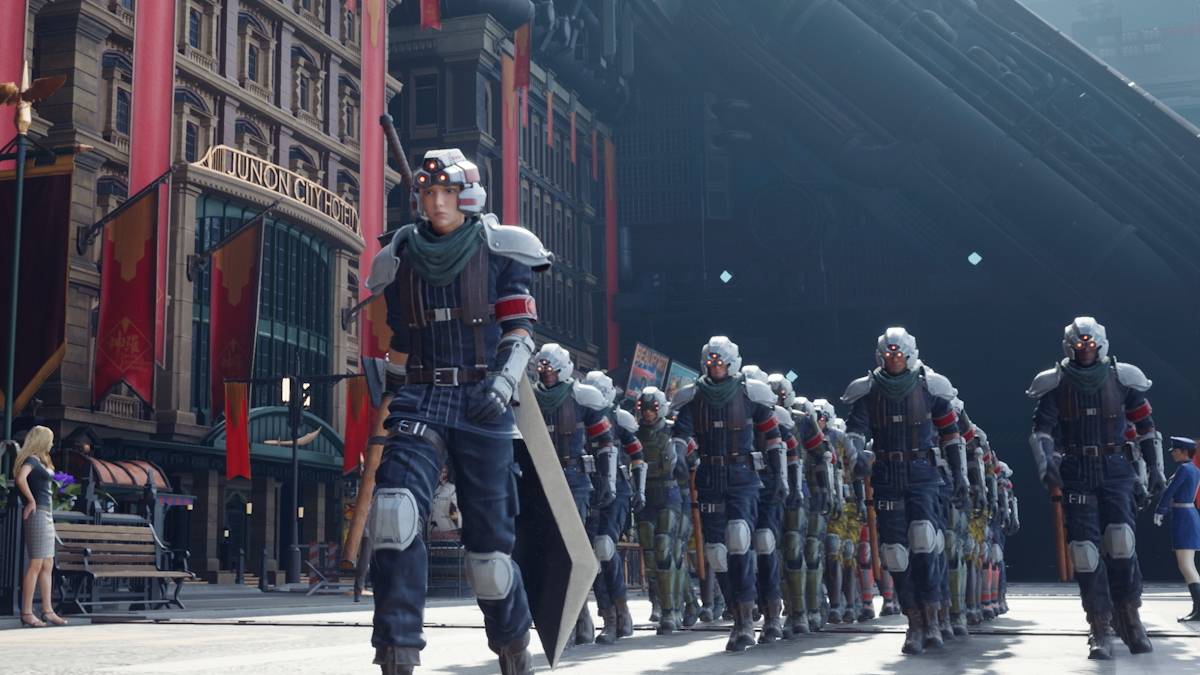
Unfortunately, Final Fantasy 7 Rebirth has also fallen victim to the plague of poor optimization. Following its highly anticipated PC launch, numerous players have reported significant and disruptive stuttering. Thankfully, there are several effective fixes available to address this problem.
Final Fantasy 7 Rebirth PC Stuttering SolutionsLower Graphics SettingsUpdate Your GPU DriveUse ModChange Your Nvidia Settings
Since Final Fantasy 7 Rebirth is a graphically intensive game, you'll need to ensure your PC meets at least the recommended system specifications to prevent performance problems. If your hardware only satisfies the minimum requirements, pay particularly close attention to your in-game settings. Access the menu and navigate to the graphics options. Begin with the lowest possible preset, then carefully increase individual settings one by one while observing the impact on your frame rate and stability.
Another useful adjustment is switching your Display Sync Technology to VRR. Some players have found that this noticeably decreases input lag and reduces stuttering. Be aware that this setting might occasionally cause some minor screen tearing.
In addition to optimizing your in-game settings, it’s wise to check for a newer GPU driver. Game-ready driver updates often include performance improvements specifically for new releases. If you have an Nvidia card, open GeForce Experience and select the 'Drivers' tab on the left. AMD users should open the AMD Adrenalin Edition software, where the main dashboard will clearly indicate if your driver is current.
Related: All Minigames in FF7 Rebirth, Ranked from Worst to Best
Applying a mod is another viable solution for the stuttering issues in Final Fantasy 7 Rebirth. Two popular and effective mods are the Fantasy Optimizer and Ultimate Engine Tweaks, both designed to enhance the game's overall performance. Using them is straightforward; you typically create a 'mods' folder within the game's main installation directory and place the mod files inside. Alternatively, you can manage the installation through the Vortex Mod Manager from Nexus Mods. Note that the Ultimate Engine Tweaks mod requires you to also install FFVIIHook.
Nvidia users have another potential fix for the stuttering in Final Fantasy 7 Rebirth. In the Nvidia Control Panel under the 'Manage 3D settings' section, ensure that V-Sync and G-Sync are enabled. Crucially, you must then disable the V-Sync option within the game's own settings. You can also try setting the Low Latency Mode to 'On' or 'Ultra' for potentially better responsiveness.
These are the key methods for resolving the stuttering problems in Final Fantasy 7 Rebirth.
Final Fantasy 7 Rebirth is available now on PlayStation and PC.