Freedom Wars Remastered: Essential Save Strategies
Author: Anthony
Jun 07,2026


In modern gaming, saving your progress is often seamless, with auto-save features ensuring you rarely lose hard-earned achievements. However, in Freedom Wars Remastered—where you battle towering Abductors and scramble to avoid penalties for running in the Panopticon—knowing how to save manually is essential.
The game's intense, fast-paced nature makes it smart to secure your progress whenever you can. Whether you're gearing up for a tough mission or just taking a break, understanding the save mechanics is key. Here’s how saving works in Freedom Wars Remastered.
Early on, a tutorial walks you through the basics, though the amount of information can feel overwhelming. You might occasionally spot a small save icon on the right side of the screen. The game does include an Autosave function that triggers after missions, key dialogues, and cutscenes. Since autosaves aren't always dependable, the Manual Save option becomes your safety net.
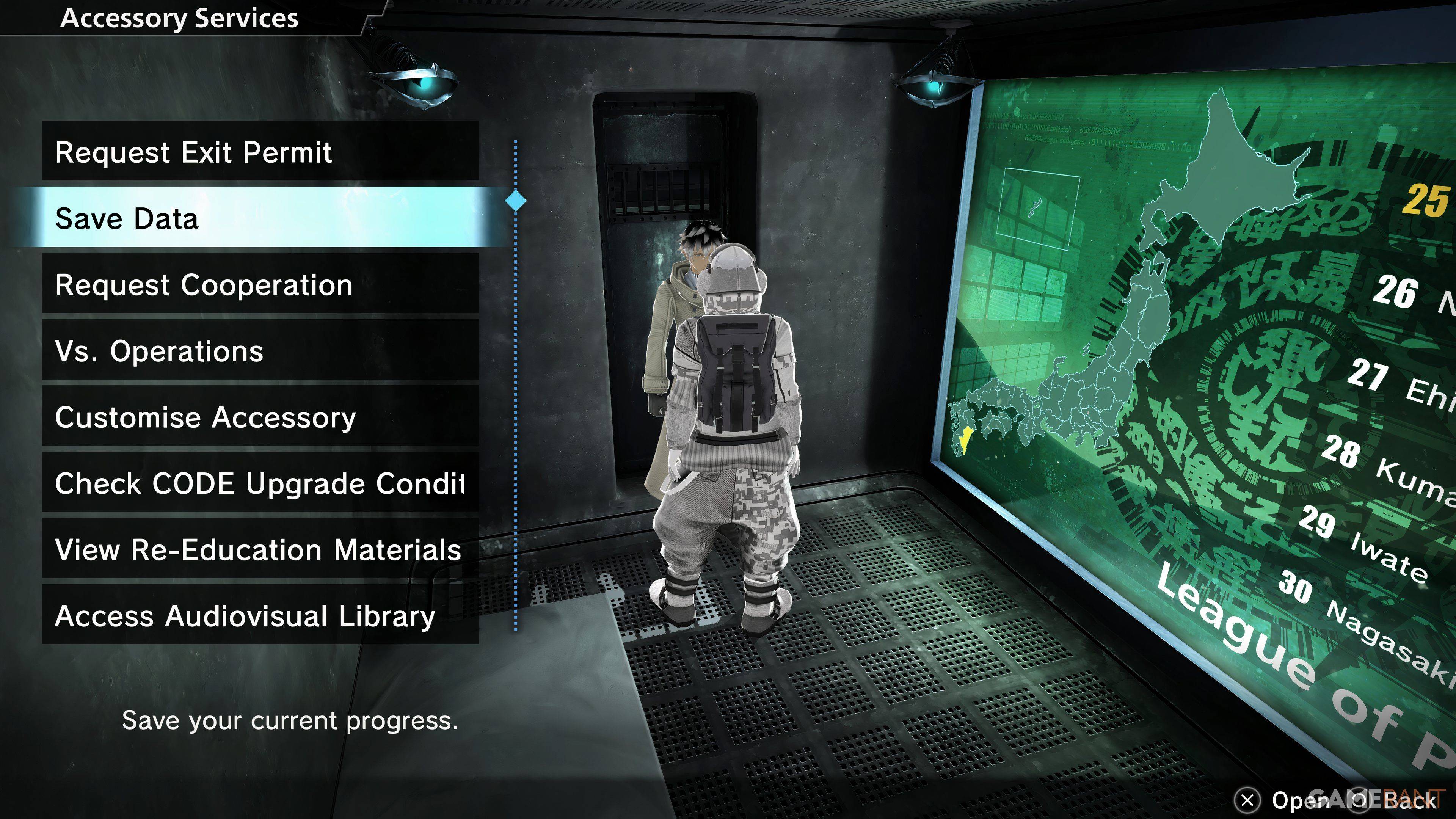
Freedom Wars Remastered offers a manual save feature, but it limits you to a single save file. This means you can't use separate files to revisit earlier story points. To save manually, speak to your Accessory in your Panopticon cell and choose "Save Data," the second option. Once your Accessory agrees, your progress will be stored.
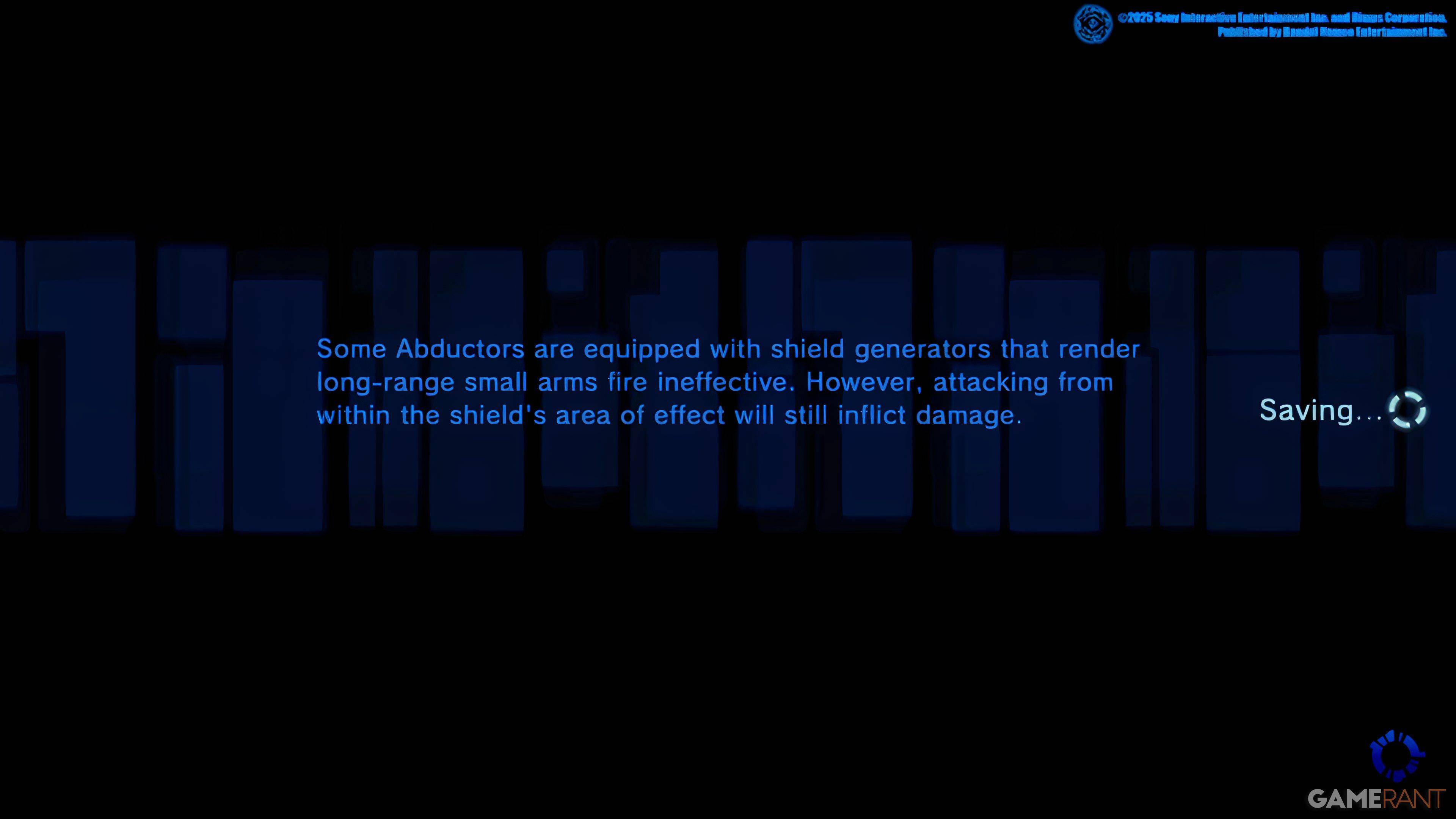
This single-save restriction locks in major decisions that can shape the game's outcome, leaving no room for changes later. PlayStation players with a PlayStation Plus subscription can upload their data to the Cloud and re-download it as needed—a useful workaround for revisiting pivotal moments or creating a progress backup.
Since some players have reported game crashes, saving frequently is a wise habit to prevent losing your progress.