

Application Description
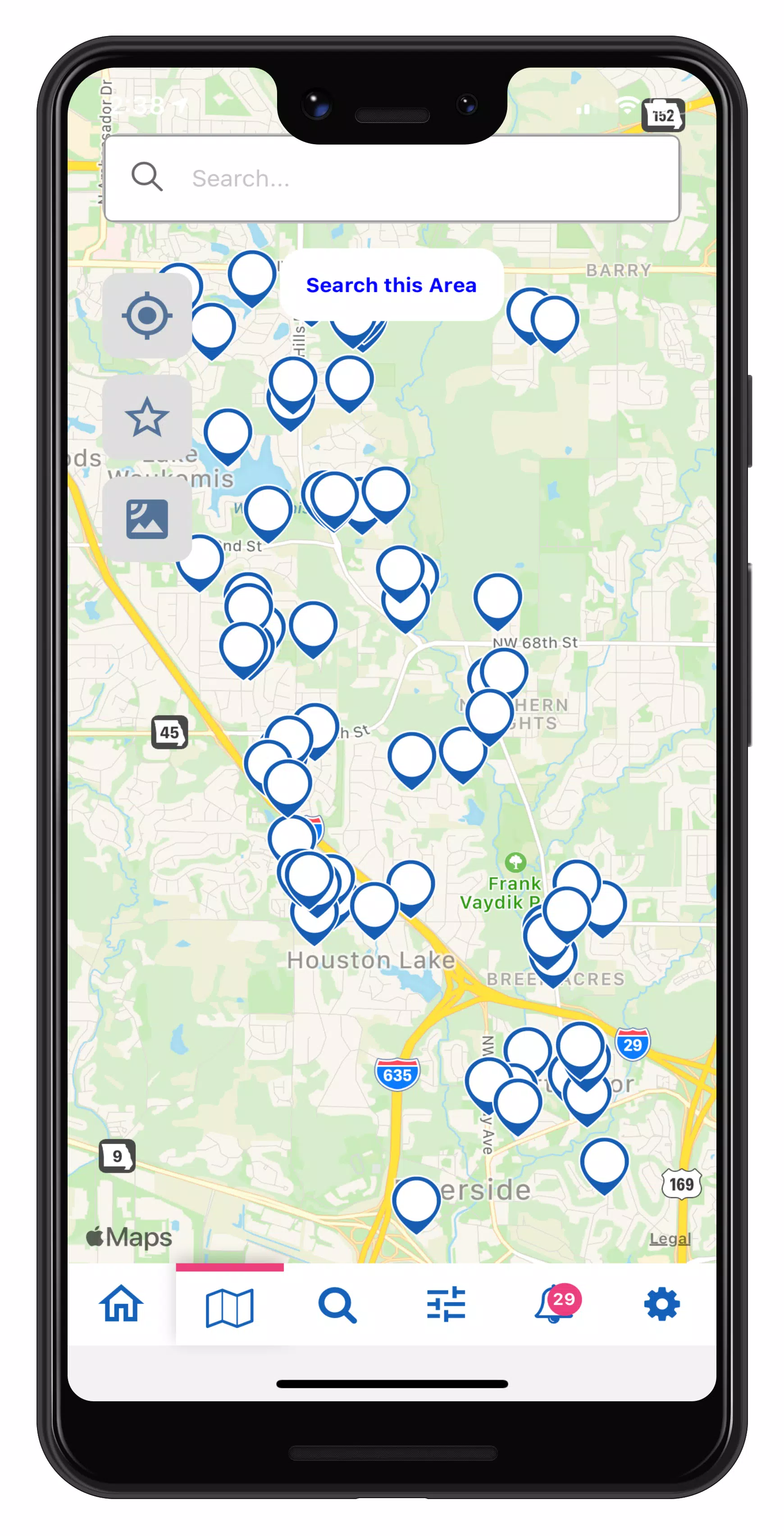
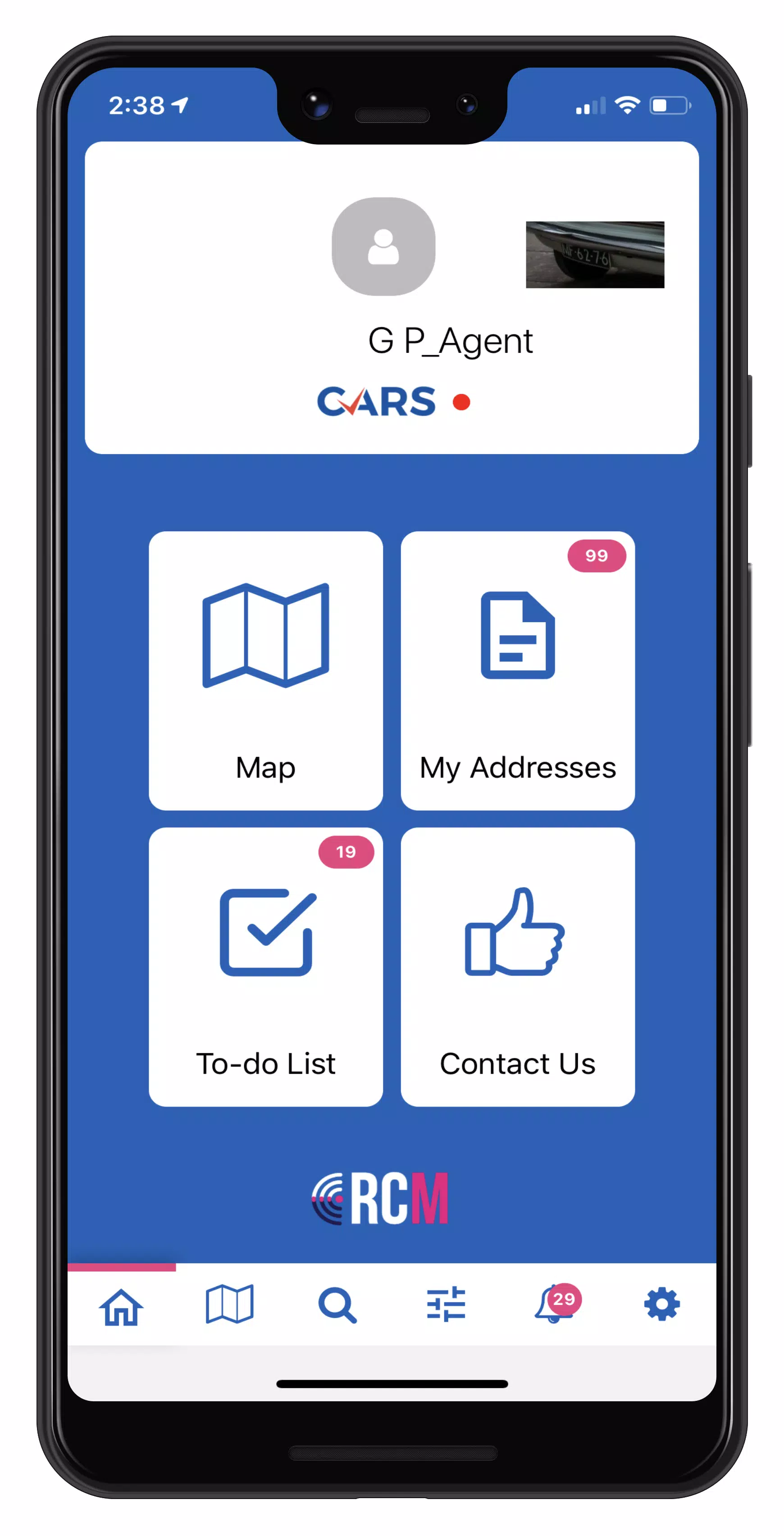
Case Mapping with RCM! RCM seamlessly integrates with RecoveryConnect® and MRS web applications
Permissions Walkthrough
Watch our tutorial: https://youtu.be/rW0rJGe0Wr8
Privacy Policy
View our policy: https://mbsicorp.com/privacy/
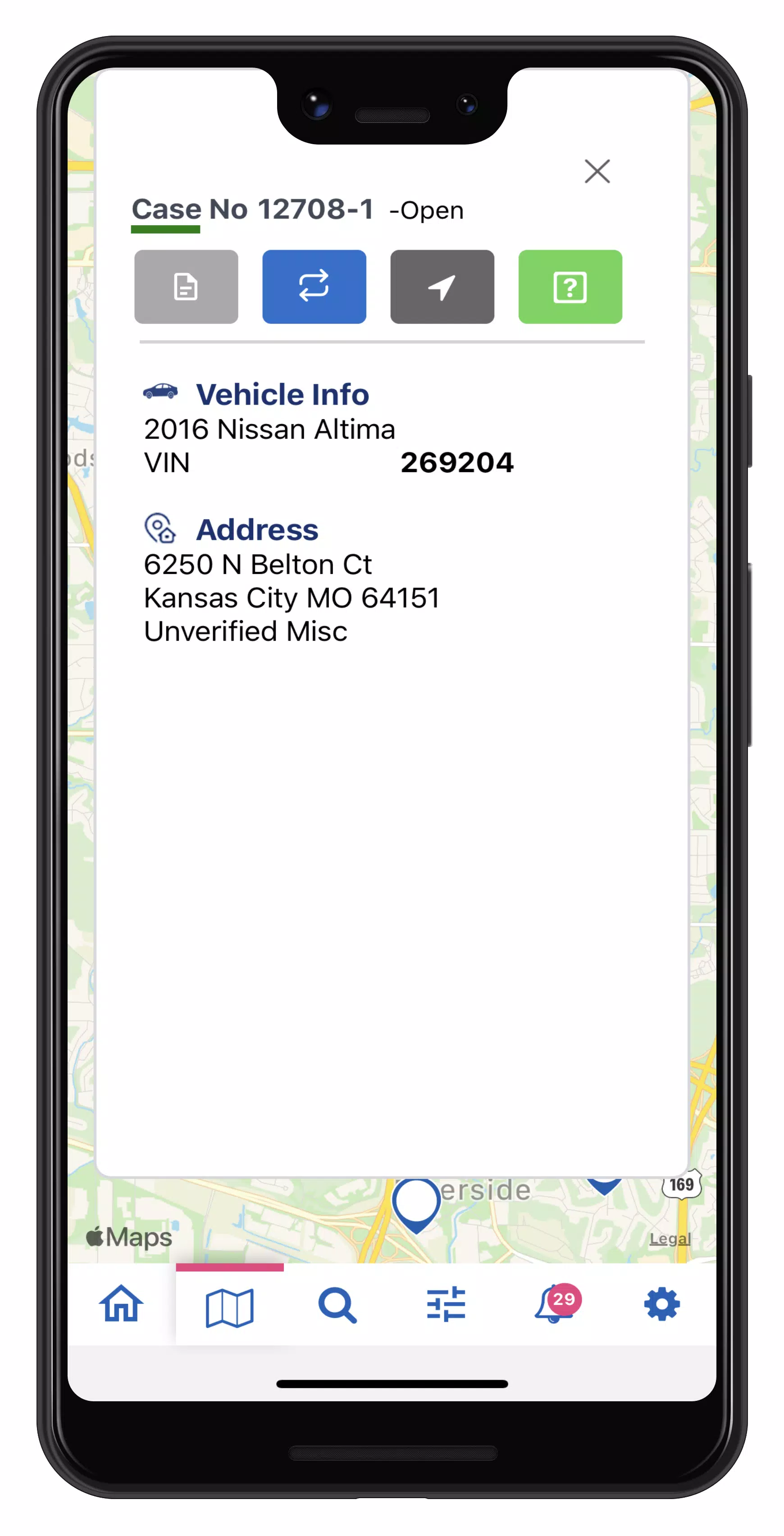
Empower your field agents with RCM's real-time repossession assignment tracking. Instant case access enables agents to reduce risks by preventing wrongful recoveries and rapidly updating unit status to On Hook. Once marked On Hook, agents can safely initiate asset recovery procedures at their convenience.
RCM's mapping functionality lets drivers efficiently:
- Scan custom icons to optimize route planning
- Submit one-tap status updates
- Designate pickup locations
- Increase recovery success rates
Create and save custom map filters to focus on priority cases for your agency. Each asset recovery form automatically generates a comprehensive Condition Report including:
- Vehicle assessments
- Photographic documentation
- Client-ready reports
Key RCM Features
- Custom map icon configuration (Pro feature)
- Instant On-Hook status updates
- Streamlined asset recovery documentation
- Live case tracking with address verification
- Advanced map search functionality (Pro feature)
- Favorite case bookmarking
- Smart case filtering for route optimization
- Single-tap status updates
- Automated geolocation tracking
- To-Do list management for condition reporting
24/7 Support Available
Our support team is always ready to assist. Submit requests via:
https://mbsicorp.com/contact/
or through the Contact Us portal
Version 3.0.33 Update Highlights
Last updated: October 2, 2024
- Mobile Case Acceptance - New capability to accept assignments directly from mobile devices
- Review and accept/decline cases from NEW CASES homepage
- Long-press for multi-case selection
- Enhanced filtering by:
- Client
- Case type
- Date ranges
- Acceptance status
- Complete audit logging in case History
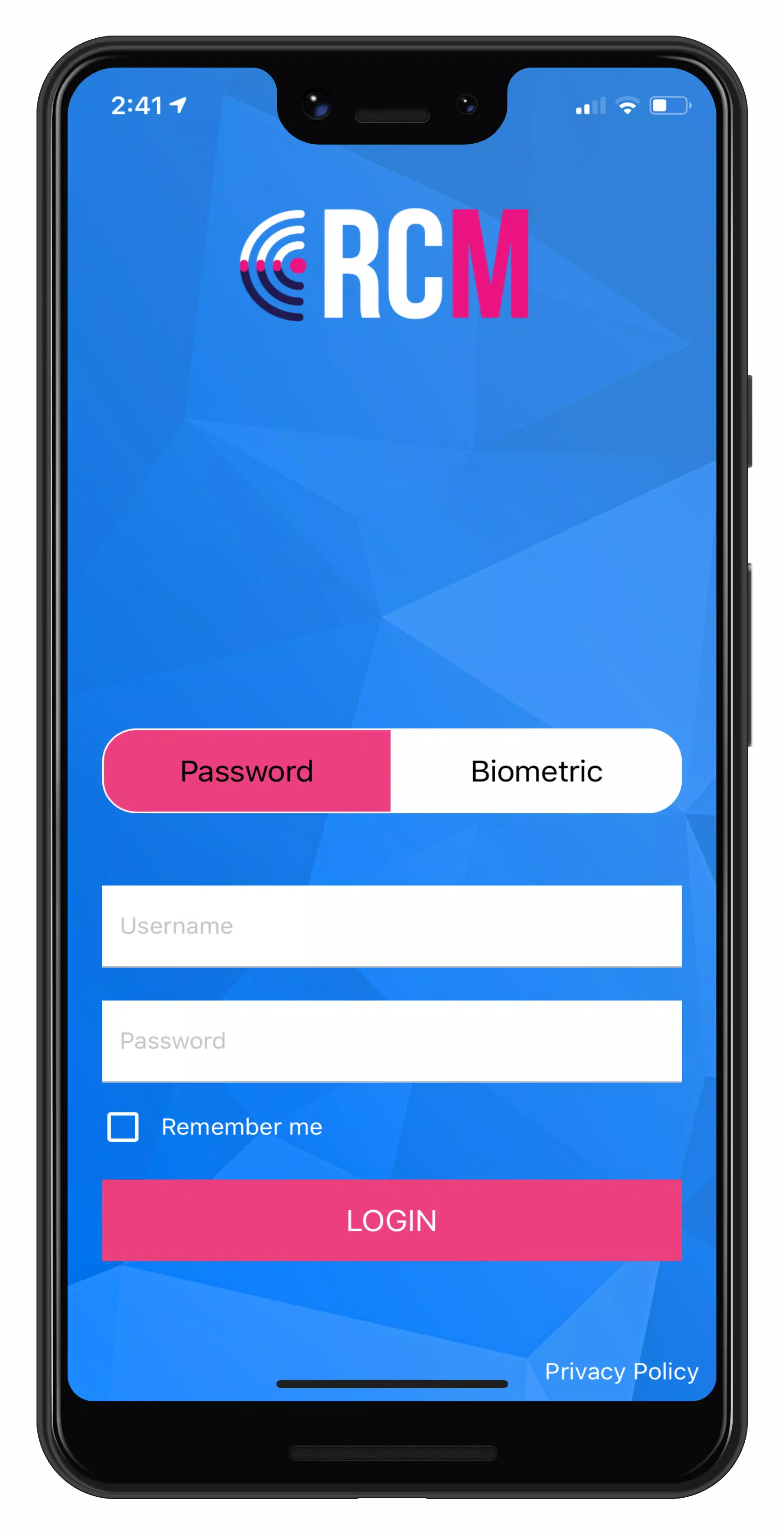
RCM Screenshots
Reviews
Post Comments
Trending Games
Trending apps












Latest Articles
More