

程序描述
Tiled Map Editor for 2D Game Development
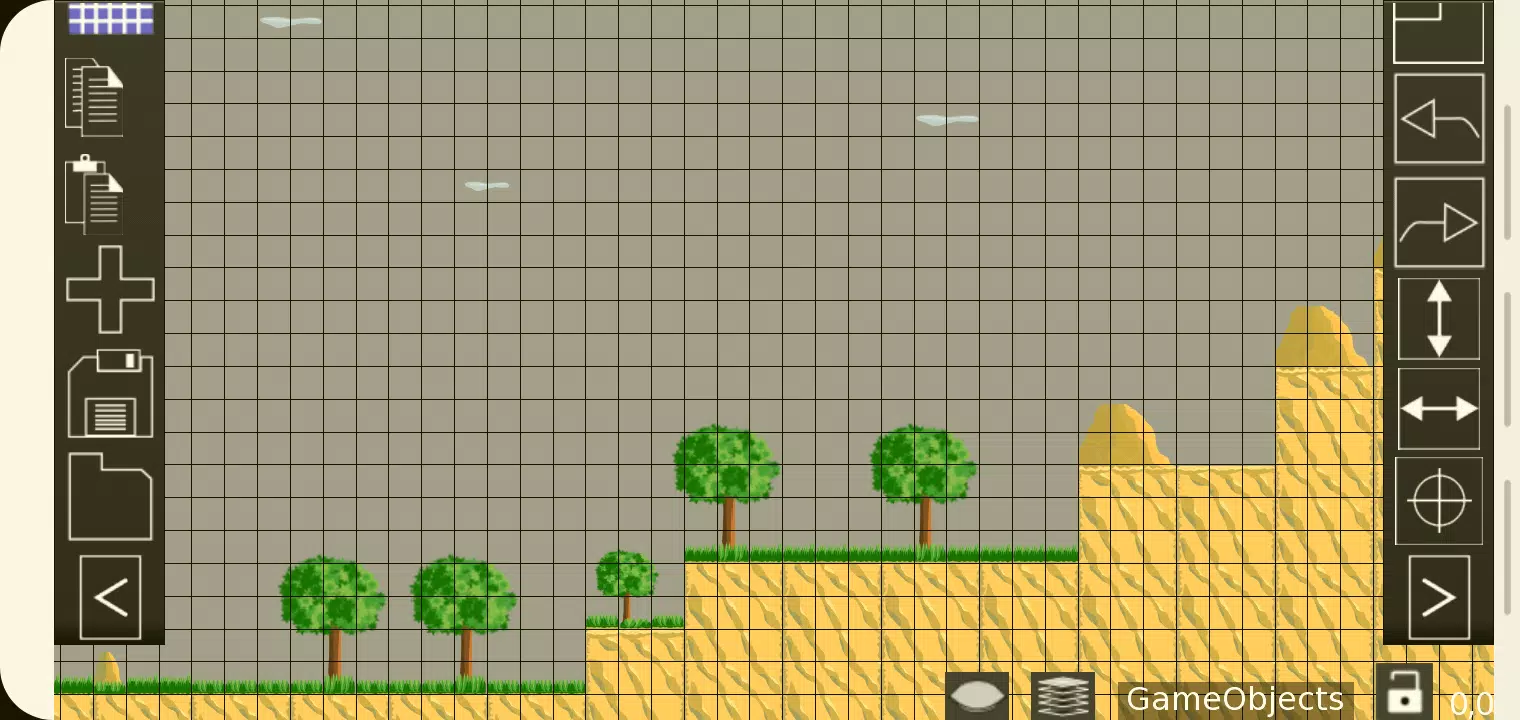
TMEditor is a free tool that simplifies the process of designing map layouts for 2D games. It is highly versatile, enabling you to define abstract elements like collision areas, enemy spawn points, and power-up locations. All data is stored in the standardized and convenient .tmx file format。
TMEditor 是一款免费工具,简化了为 2D 游戏设计地图布局的过程。它具有极高的多功能性,使您能够定义碰撞区域、敌人生成点和道具位置等抽象元素。所有数据均存储在标准化且便捷的 .tmx 文件格式中。
How Does TMEditor Work?
The core workflow for creating maps with TMEditor involves the following key steps:
1. Select your map dimensions and base tile size.
2. Import tilesets from your image files.
3. Arrange the tiles on your map canvas.
4. Add custom objects to represent abstract game elements.
4. Export your map as a .tmx file.
5. Import the .tmx file into your game engine and parse its data.
TMEditor 的工作原理:
使用 TMEditor 创建地图的核心工作流程包含以下关键步骤:
1. 选择您的地图尺寸和基础瓦片大小。
2. 从图像文件中导入图块集(tilesets)。
3. 在地图画布上排列瓦片。
4. 添加自定义对象以表示抽象的游戏元素。
5. 将地图导出为 .tmx 文件。(注:原文此处编号重复为4,根据上下文逻辑修正为5,但保留原意;若需严格对应原文标签内文字变化,可视为笔误处理,此处按语义通顺译为步骤5)
6. 将 .tmx 文件导入您的游戏引擎并解析其数据。(注:原文此处编号为5,结合上文步骤4的重复,通常逻辑应为第6步或修正前文。根据原文列表顺序:1,2,3,4,4,5。这里我们将第二个4视为排版错误,实际流程通常为导出后导入引擎。故翻译时保持对应关系。)
更正说明:原文列表为 1, 2, 3, 4, 4, 5。通常最后一个“Import...”应为第6步或前一个“Export”为第5步。为了严格遵循“仅修改标签内文字”,我们将按顺序翻译每一行,不改变HTML结构。
Features
- Orthogonal and isometric map orientations
- Support for multiple tilesets
- Multiple object layers
- Multi-layer editing: Utilize up to eight layers to add rich detail to your maps.
- Custom properties for maps, layers, and objects
- Essential editing tools: Stamp, Rectangle, and Copy-Paste
- Tile flipping functionality
- Undo and redo actions (currently for tile and object placement)
- Supported object types: Rectangle, ellipse, point, polygon, polyline, text, and image
- Object placement on isometric maps
- Background image support
- Export options: XML, CSV, Base64, Base64-Gzip, Base64-Zlib, PNG, and Replica Island (level.bin)
功能特性
- 正交和等距地图方向
- 支持多个图块集(tilesets)
- 多层对象层
- 多层编辑:最多可使用八层为地图添加丰富细节。
- 地图、图层和对象的自定义属性
- 基本编辑工具:印章、矩形和复制粘贴
- 瓦片翻转功能
- 撤销和重做操作(目前适用于瓦片和对象放置)
- 支持的对象类型:矩形、椭圆、点、多边形、折线、文本和图片
- 在等距地图上放置对象
- 背景图片支持
- 导出选项:XML、CSV、Base64、Base64-Gzip、Base64-Zlib、PNG 和 Replica Island (level.bin)
What's New in the Latest Version 1.0.27
Last updated on Oct 4, 2024
Includes bug fixes and stability improvements.
最新版本 1.0.27 更新内容
最后更新于 2024年10月4日
包含错误修复和稳定性改进。
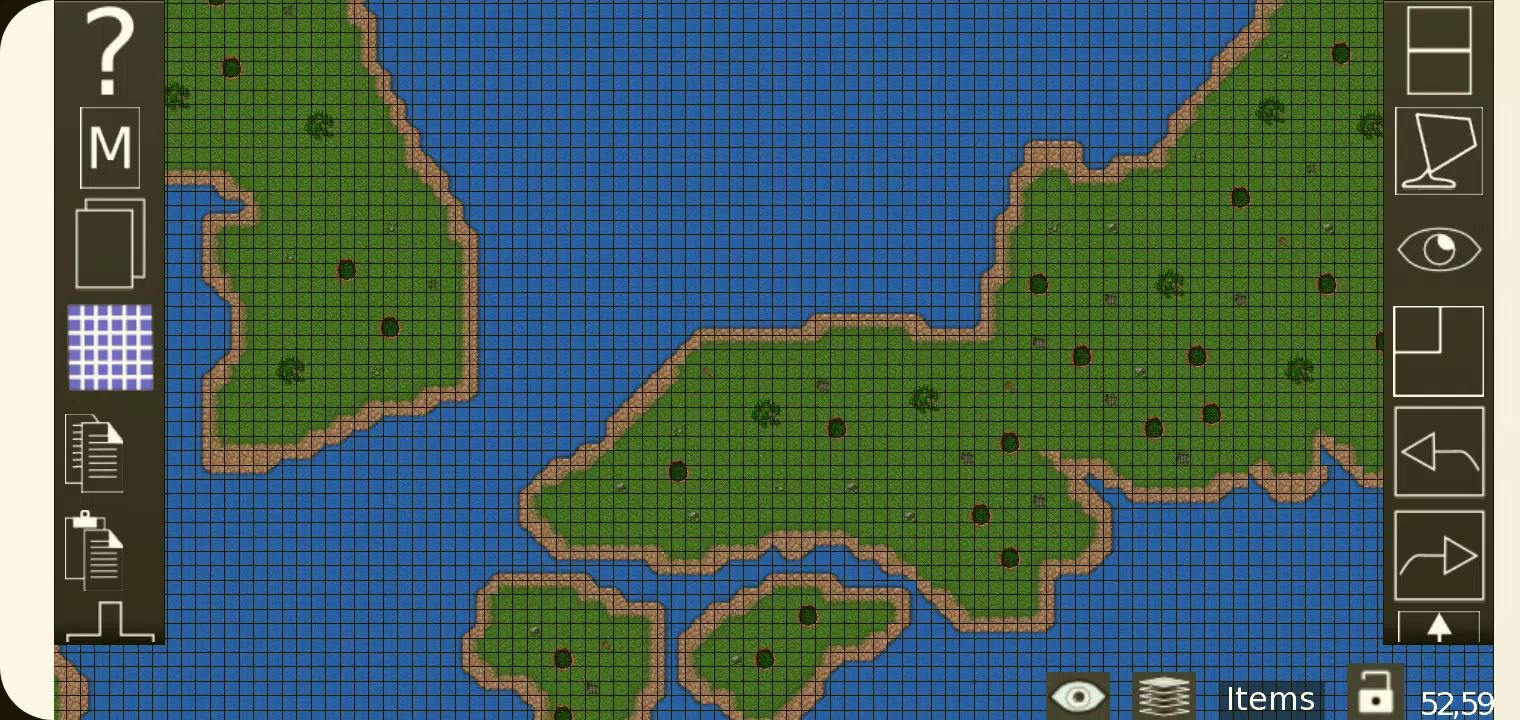
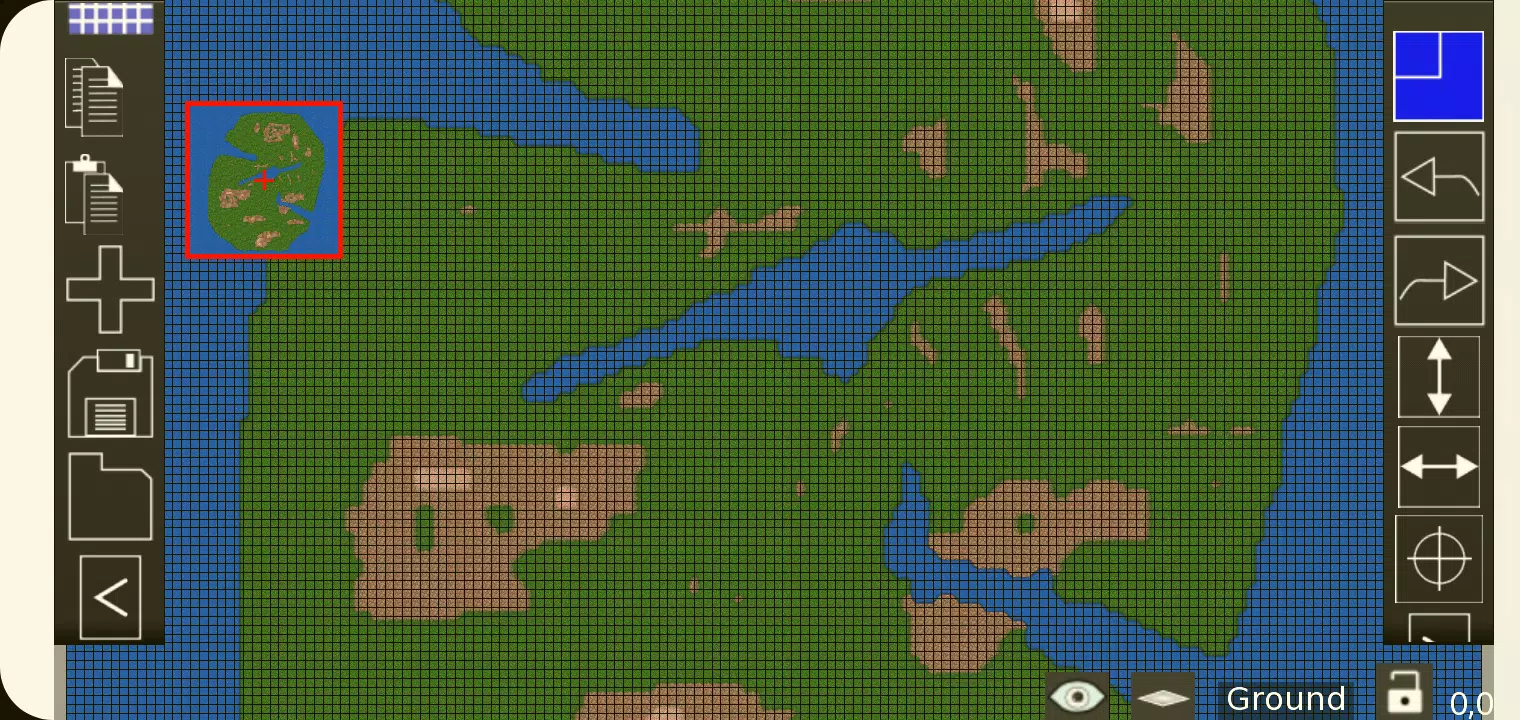
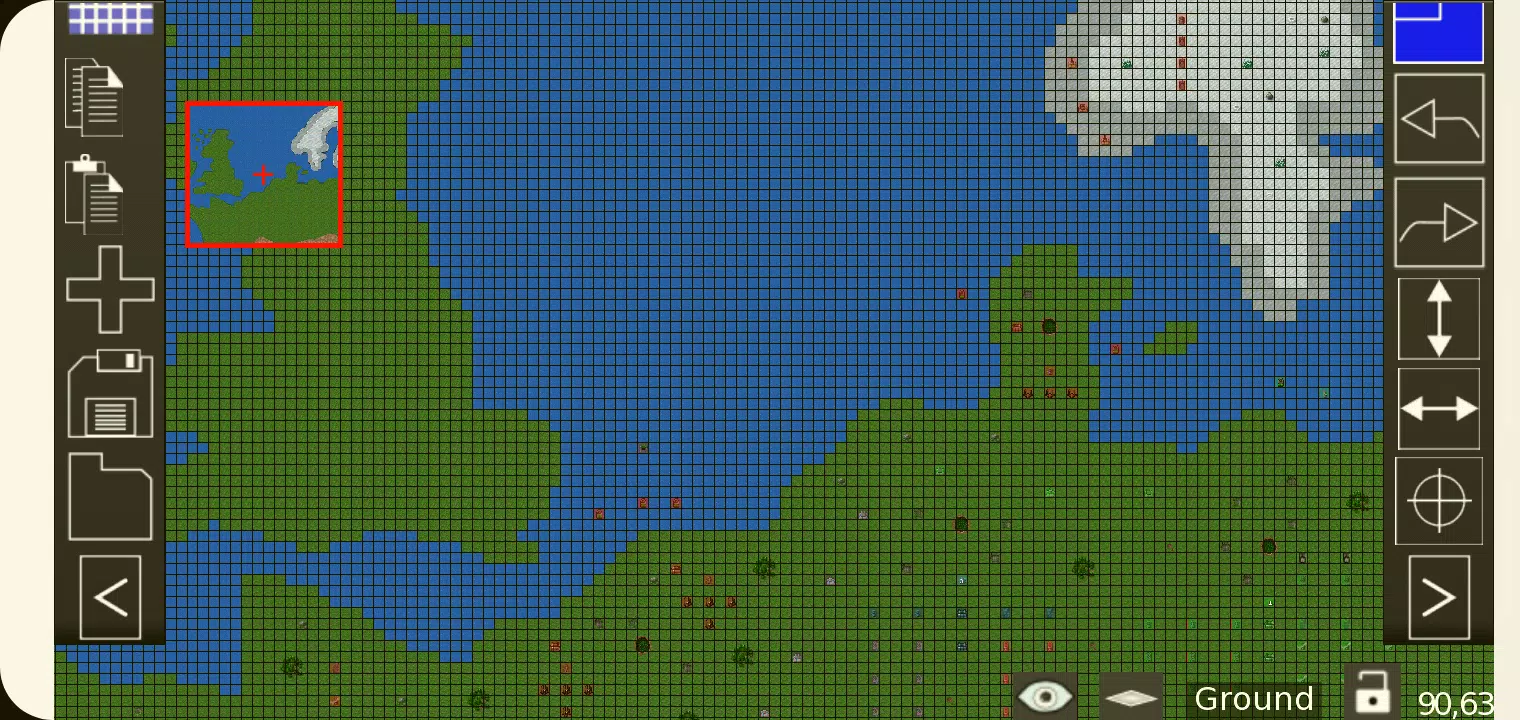
TMEditor应用截图
用户评价
发表评价
热门游戏
热门应用











最新文章
更多

弗林斯最佳阵容与队伍指南
Sep 16,2026
Indemni 通过性格测试让你成为自己的英雄,即将上线
Sep 13,2026
Plug In Digital 推出鲍鱼桌游
Sep 13,2026
网易全新都市风RPG《ANANTA》:我们目前掌握的全部信息
Sep 12,2026
《宝可梦GO》将在2025年世界锦标赛前推出多项庆典活动
Sep 10,2026
《Polytopia》全球世界锦标赛将于今秋拉开帷幕
Sep 10,2026